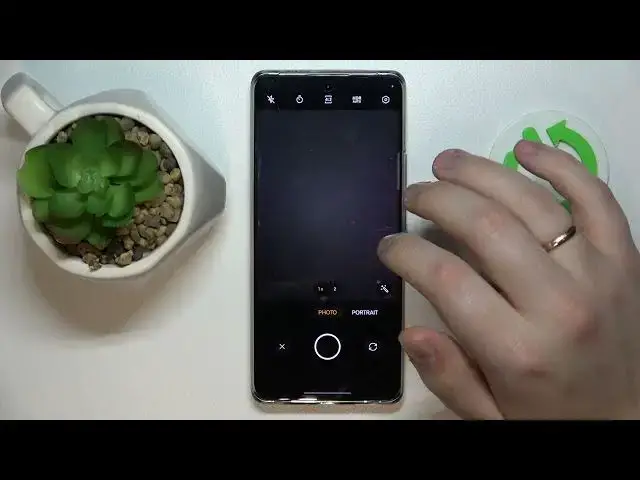

How to Scan a Document and Create a PDF on the REALME 10 Pro+ Step-by-Step Tutorial
Jul 26, 2024

More info about REALME 10 Pro+:
https://www.hardreset.info/devices/realme/realme-10-pro-plus/tutorials/
In this video, we'll show you how to quickly and easily scan a document and create a PDF on the Realme 10 Pro+.
Our step-by-step tutorial will walk you through the process, so you can start scanning and creating PDFs in no time. We'll cover how to access the scanner feature on your Realme 10 Pro+, how to adjust the settings for the best results, and how to save and share your scanned document as a PDF.
Whether you need to scan a document for work or school, or simply want to digitize some important papers, this video will show you how to do it on your Realme 10 Pro+.
So, if you want to learn how to scan a document and create a PDF on the Realme 10 Pro+, watch this video now!
#Realme10Pro #ScanDocument #CreatePDF
Follow us on Instagram ► https://www.instagram.com/hardreset.info
Like us on Facebook ► https://www.facebook.com/hardresetinfo/
Tweet us on Twitter ► https://twitter.com/HardResetI
Support us on TikTok ► https://www.tiktok.com/@hardreset.info
Use Reset Guides for many popular Apps ► https://www.hardreset.info/apps/apps/
Show More Show Less #Computer Hardware
#Software
#Reference