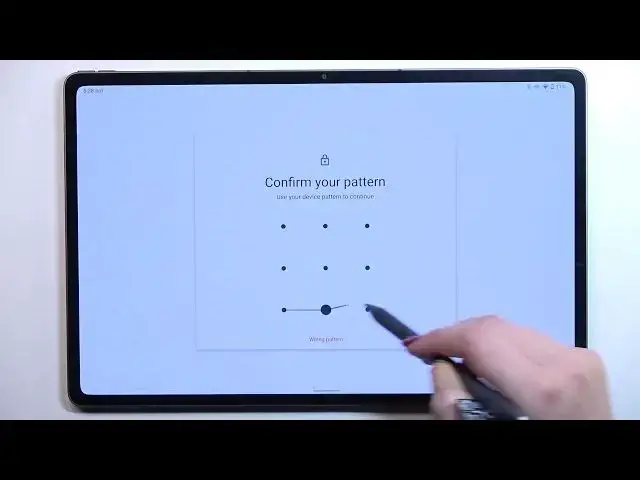

How to Reset Network Preferences on LENOVO Tab P12 Pro
Apr 5, 2024

Learn more information about the LENOVO Tab P12 Pro:
https://www.hardreset.info/devices/lenovo/lenovo-tab-p12-pro/
By resetting the network preferences on your LENOVO Tab P12 Pro tablet, you restore default settings and preferences for WiFi, Bluetooth, and Mobile networks. Therefore, if you would like to learn how to restore factory default preferences on your LENOVO Tab P12 Pro device, we are humbly inviting you to view this video. Kindly enjoy and thank you for watching!
How to restore default network preferences on LENOVO Tab P12 Pro? How to reset WiFi preferences on LENOVO Tab P12 Pro? How to reset Bluetooth preferences on LENOVO Tab P12 Pro? How to reset Mobile network preferences on LENOVO Tab P12 Pro?
#LENOVOTabP12Pro #ResetPreferences #LENOVONetwork
Follow us on Instagram ► https://www.instagram.com/hardreset.info
Like us on Facebook ►
https://www.facebook.com/hardresetinfo/
Tweet us on Twitter ► https://twitter.com/HardResetI
Support us on TikTok ► https://www.tiktok.com/@hardreset.info
Use Reset Guides for many popular Apps ► https://www.hardreset.info/apps/apps/
Show More Show Less