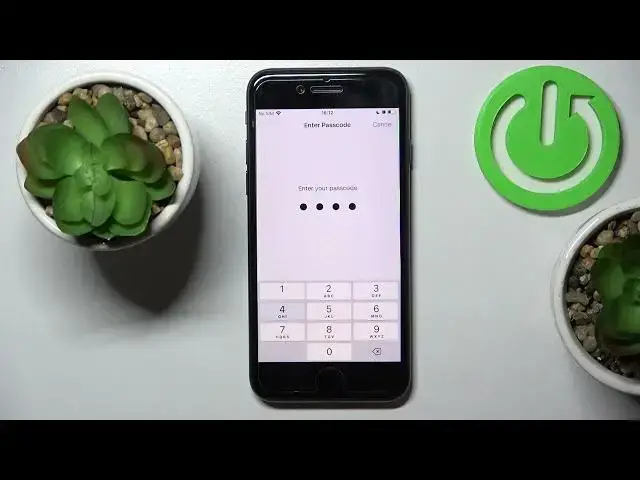

How to Reset Keyboard Dictionary on Apple iPhone SE 2022 - Remove Keyboard Settings
Jul 3, 2024

Get more info: https://www.hardreset.info/devices/apple/apple-iphone-se-2022/
Let's learn how to enter reset settings and restore the default keyboard dictionary on Apple iPhone SE 2022. It's quick and easy operation, so just press play and follow the steps. Within one minute you can restet keyboard dictionary on Apple iPhone SE 2022. Enjoy!
How to Reset Dictionary on Apple iPhone SE 2022?
How to Reset Keyboard Dictionary on Apple iPhone SE 2022?
How to Restore Default Keyboard Dictionary on Apple iPhone SE 2022?
#ResetDictionary #ResetKeyboardDictionary #APPLEiPhoneSE
Follow us on Instagram ► https://www.instagram.com/hardreset.info
Like us on Facebook ► https://www.facebook.com/hardresetinfo/
Tweet us on Twitter ► https://twitter.com/HardResetI
Support us on TikTok ► https://www.tiktok.com/@hardreset.info
Use Reset Guides for many popular Apps ► https://www.hardreset.info/apps/apps
Show More Show Less