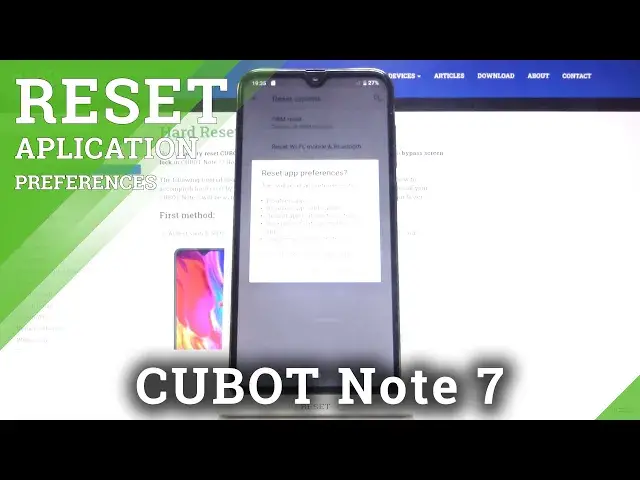

How to Reset App Preferences on CUBOT Note 7 – Restore App Preferences
Jul 13, 2024

Learn more info about CUBOT Note 7:
https://www.hardreset.info/devices/cubot/cubot-note-7/
If you want to quickly and efficiently reset apps preferences on CUBOT Note 7, please follow this tutorial. Follow our tips, open the app settings, then successfully reset apps preferences. This process will reset all preferences for disabled apps, default apps, permission restrictions, background data restrictions for apps and more. You will not lose any app data.
How to Reset All Preferences for Apps in CUBOT Note 7? How to Set Apps in CUBOT Note 7? How to Personalize Apps in CUBOT Note 7? How to Customize Apps Preferences in CUBOT Note 7? How to Choose Apps Preferences in CUBOT Note 7? How to Reset All Preferences for Disabled Apps in CUBOT Note 7? How to Reset All Preferences for Disabled App Notifications in CUBOT Note 7? How to Reset All Preferences for Background Data Restrictions for Apps in CUBOT Note 7? How to Reset All Preferences for Any Permissions Restrictions in CUBOT Note 7? How to reset app preferences on CUBOT Note 7? How to delete app preferences in CUBOT Note 7? How to reset app in CUBOT Note 7? How to restore default app preferences in CUBOT Note 7? How to restore app settings in CUBOT Note 7?
Follow us on Instagram ► https://www.instagram.com/hardreset.info
Like us on Facebook ► https://www.facebook.com/hardresetinfo/
Tweet us on Twitter ► https://twitter.com/HardResetI
Show More Show Less