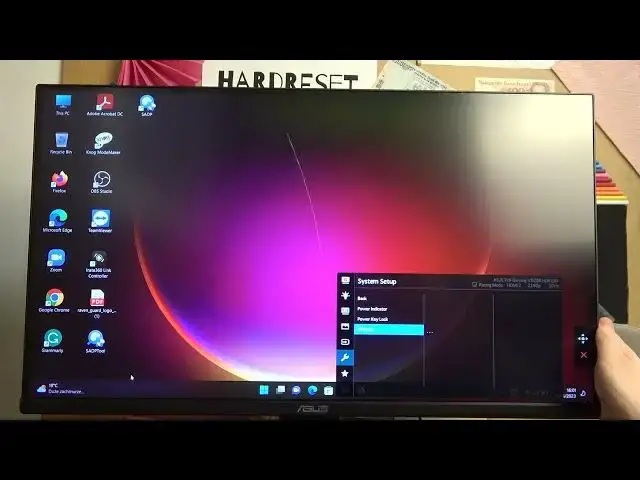

How To Reset All Settings Factory Reset In Asus TUF Gaming VG289
Mar 17, 2024

Visit Our Website For More : https://www.hardreset.info
In this video guide, we will show you how to reset all settings and perform a factory reset on your Asus TUF Gaming VG289 monitor. Resetting the monitor to its factory default settings can be useful if you want to start fresh or resolve any issues you may be experiencing.
How to reset all settings factory reset on Asus TUF Gaming VG289: Step-by-step guide
Performing a factory reset on Asus TUF Gaming VG289
Restoring default settings on Asus TUF Gaming VG289 monitor
Resetting Asus TUF Gaming VG289 to factory settings
Navigating the OSD menu on Asus TUF Gaming VG289
Initiating a factory reset on Asus TUF Gaming VG289
#asustufgaming #asusgaming #asusgamer
Follow us on Instagram ► https://www.instagram.com/hardreset.info
Like us on Facebook ► https://www.facebook.com/hardresetinfo/
Tweet us on Twitter ► https://twitter.com/HardResetI
Support us on TikTok ► https://www.tiktok.com/@hardreset.info
Use Reset Guides for many popular Apps ► https://www.hardreset.info/apps/apps/
Show More Show Less