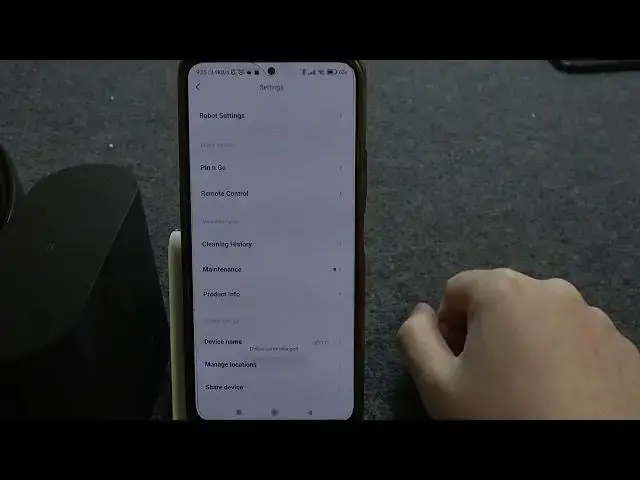

How To Rename Roborock S8
Aug 9, 2024

Find out more: https://www.hardreset.info
Discover how to personalize your Roborock S8 by giving it a custom name. In this tutorial, we'll walk you through the simple steps to rename your robot vacuum using the mobile app, allowing you to create a unique identity for your device that reflects your preferences.
Introduction to the importance of renaming your Roborock S8 for easy identification.
How do I rename my Roborock S8?
Where can I find the option to rename my robot vacuum within the Roborock mobile app?
Why is it important to give my Roborock S8 a custom name?
Can I choose any name for my robot vacuum?
Will renaming my Roborock S8 affect its functionality or performance?
Are there any limitations or considerations when renaming the device?
Can I revert to the original name if needed?
Will the new name appear on the app interface and during voice commands?
#roborock #Roborocks8 #robotcleaner
Follow us on Instagram ► https://www.instagram.com/hardreset.info
Like us on Facebook ► https://www.facebook.com/hardresetinfo/
Tweet us on Twitter ► https://twitter.com/HardResetI
Support us on TikTok ► https://www.tiktok.com/@hardreset.info
Use Reset Guides for many popular Apps ► https://www.hardreset.info/apps/apps/
Show More Show Less