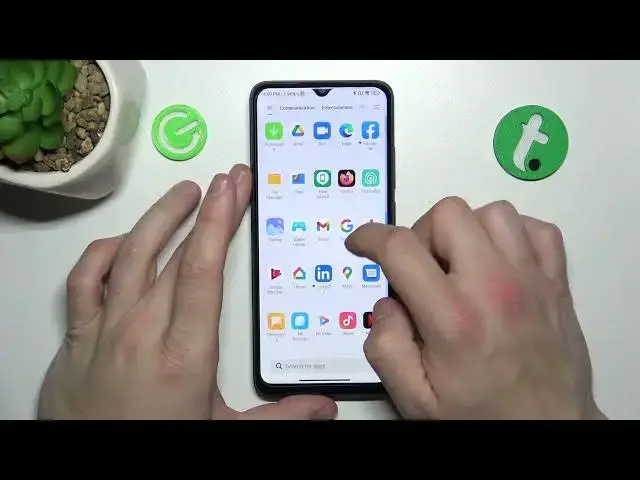

How to Remove & Restore Phone Icon on the Screen of Xiaomi Redmi A1+ / Display Settings
Jul 28, 2024

You can find more tutorials for your Xiaomi Redmi A1 Plus smartphone on our website:
https://www.hardreset.info/devices/xiaomi/xiaomi-redmi-a1-plus/tutorials/
Welcome to our YouTube tutorial on how to organize your home screen on the Xiaomi Redmi A1+ smartphone. In this video, we will guide you through the process of removing unwanted icons from your home screen to make room for your favorite apps. Our step-by-step instructions will make it easy for you to follow along, even if you're not a tech-savvy person. We'll also show you how to move icons to another screen and customize your home screen to fit your preferences. Whether you're a new user of the Xiaomi Redmi A1+ or just looking to optimize your phone's layout, this tutorial is perfect for you. Don't forget to subscribe to our YouTube channel for more helpful tips and tricks for your Xiaomi Redmi A1+ smartphone. If you found our tutorial helpful, leave us a comment below and give us a like to show your support. Thank you for watching and have a great day!
How to remove the phone icon from the home screen in Xiaomi Redmi A1+?
How to remove icons from the home screen in Xiaomi Redmi A1+?
How to restore the phone icon on Xiaomi Redmi A1+?
#xiaomiredmia1plus #xiaomi #redmi #phoneicon
Follow us on Instagram ► https://www.instagram.com/hardreset.info
Like us on Facebook ► https://www.facebook.com/hardresetinfo/
Tweet us on Twitter ► https://twitter.com/HardResetI
Support us on TikTok ► https://www.tiktok.com/@hardreset.info
Use Reset Guides for many popular Apps ► https://www.hardreset.info/apps/apps/
Show More Show Less