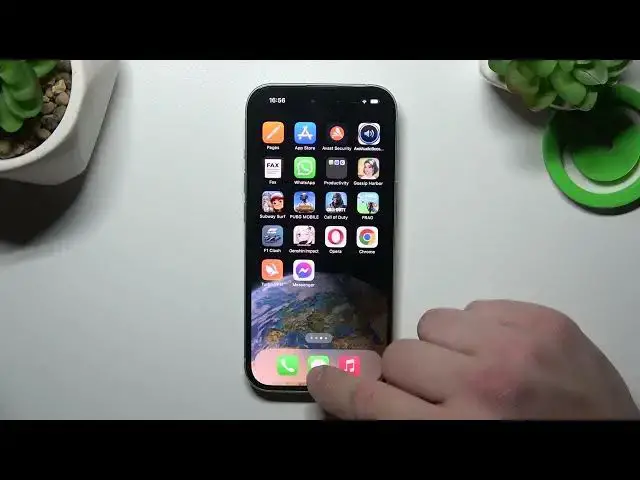

How to Remove / Restore Messages Icon from / to the Home Screen on iPhone 15
Aug 4, 2024

Find out more about iPhone 15:
https://www.hardreset.info/devices/apple/apple-iphone-15/tutorials/
Greetings, everyone. Today, we will guide you through the steps of removing and restoring the messages icon on your iPhone 15 home screen. Our expert will start by demonstrating how to remove the icon, and then we'll give you clear, step-by-step instructions on how to bring it back using the app drawer. Your support is highly valued, and we genuinely hope this tutorial helps you. Thank you for being a part of this! If you want to know more about your Apple iPhone 15, visit our YouTube channel.
How to remove the messages icon from the home screen of the iPhone 15? How to manage the messages icon on iPhone 15? How to restore the messages app icon to the home screen on Apple iPhone 15?
#RemoveMessagesIcon #RestoreMessagesIcon #iPhone15
Follow us on Instagram ► https://www.instagram.com/hardreset.info
Like us on Facebook ► https://www.facebook.com/hardresetinfo/
Tweet us on Twitter ► https://twitter.com/HardResetI
Support us on TikTok ► https://www.tiktok.com/@hardreset.info
Use Reset Guides for many popular Apps ► https://www.hardreset.info/apps/apps/
Show More Show Less