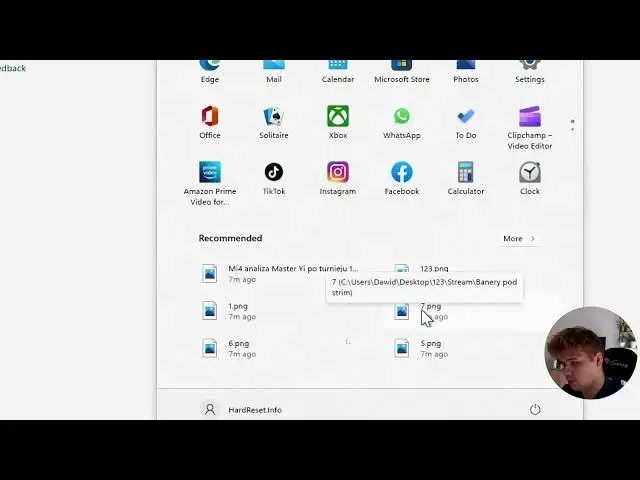

How to Remove Recommended Section or File in Windows 11?
Jun 29, 2024

If you are looking for more info check our website: https://www.hardreset.info/
You can find the Recommended section and recommended files in Windows 11 right after opening the startup. You can delete files one by one, although they are overwritten by other recently opened files, or block this section altogether.
How to Remove Recommended File in Windows 11? How to Delete Recommended File in Windows 11? How to Block Recommended Section in Windows 11? How to Get Rid of Recommended Section in Windows 11? How to remove recommended table from start menu on Windows 11?
#Windows11 #WindowsTutorial #Recommended
Follow us on Instagram ► https://www.instagram.com/hardreset.info
Like us on Facebook ► https://www.facebook.com/hardresetinfo/
Tweet us on Twitter ► https://twitter.com/HardResetI
Support us on TikTok ► https://www.tiktok.com/@hardreset.info
Use Reset Guides for many popular Apps ► https://www.hardreset.info/apps/apps/
Show More Show Less