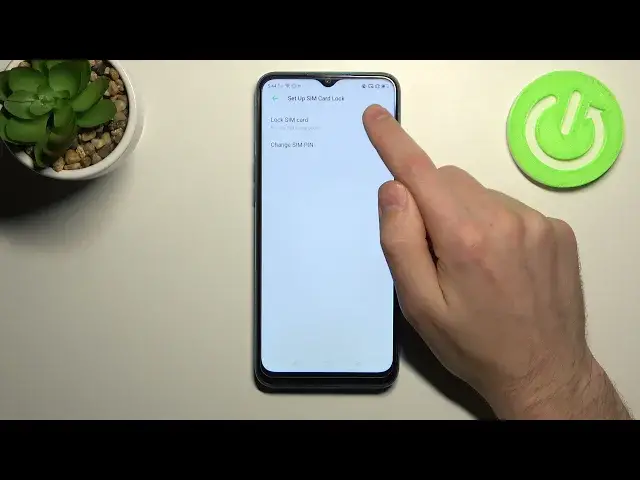

How to Remove PIN Protection from SIM Card in Realme 5i - Access SIM Card Settings
Jul 7, 2024

Find out more about REALME 5i: https://www.hardreset.info/devices/realme/realme-5i/
If you are tired of Entering PIN every time you are Activating your Realme 5i, then this tutorial will definitely help you! Today, we’ll show you how to Find SIM Card Options, and Delete PIN with success in a matter of minutes. You need to remember your current PIN to Remove this SIM Protection. After entering the correct one, this Card Protection Method will be Switched Off, so just stay with us, and manage proper settings and let’s begin!
How to Remove PIN Code in REALME 5i? How to Remove SIM Code in REALME 5i? How to Remove SIM Lock in REALME 5i? How to Remove Secure PIN in REALME 5i? How to Remove PIN Protection in REALME 5i? How to Delete PIN Protection in REALME 5i? How to Delete SIM Lock on REALME 5i? How to Delete PIN to REALME 5i? How to Enter PIN Settings in REALME 5i? How to Access PIN Settings in REALME 5i? How to Enter SIM PIN Code Settings in REALME 5i?
#Realme5i #RemovePIN #RemoveSIMCardPIN
Follow us on Instagram ► https://www.instagram.com/hardreset.info
Like us on Facebook ► https://www.facebook.com/hardresetinfo/
Tweet us on Twitter ► https://twitter.com/HardResetI
Support us on TikTok ►https://tiktok.com/@hardreset.info
Use Reset Guides for many popular Apps ► https://www.hardreset.info/apps/apps/
Show More Show Less