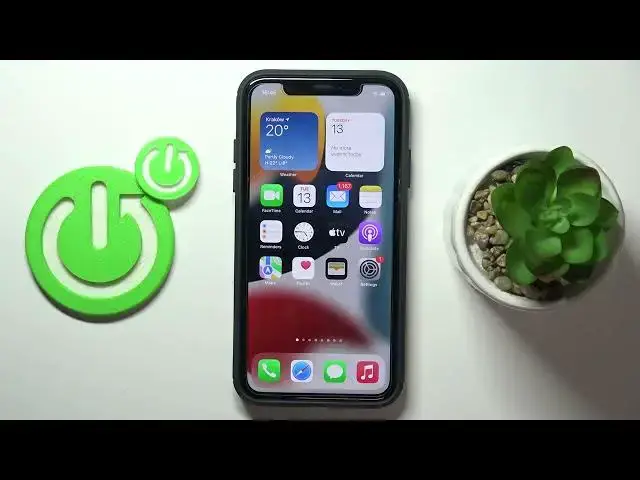

How to Remove App from Home Screen on iPhone? | Manage iOS Display
Jun 28, 2024

Learn more: https://www.hardreset.info/devices/apple/apple-iphone/tutorials/
Here's how to get rid of unnecessary icons on your home screen. Here's how to keep your iPhone's screen clean. You just need to tap and hold an app icon until a context menu appears, then choose "remove", confirm, and done!
#iphone #displaysettings #ios
Follow us on Instagram ► https://www.instagram.com/hardreset.info
Like us on Facebook ► https://www.facebook.com/hardresetinfo/
Tweet us on Twitter ► https://twitter.com/HardResetI
Support us on TikTok ► https://www.tiktok.com/@hardreset.info
Use Reset Guides for many popular Apps ► https://www.hardreset.info/apps/apps/
Show More Show Less