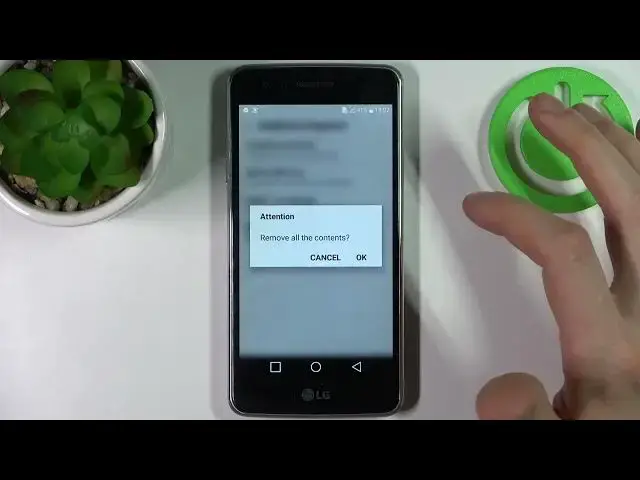

How to Remove All Certificates from LG K8 Dual (2017) – Delete Credential Storage
Apr 5, 2024

Learn more about LG K8 Dual (2017)
https://www.hardreset.info/devices/lg/lg-k8-dual-2017/
Stay with us if you want to remove all certificates and licenses from your LG K8 Dual (2017). We'll show you how to do it. Open your LG settings, click Security, and select Clear Credentials. This action is irreversible, so make sure you've got backups.
How to Remove All Certificates from LG K8 Dual (2017)? How to clear credentials on LG K8 Dual (2017)? How to remove all certificates on LG K8 Dual (2017)? How to delete all security data on LG K8 Dual (2017)? How to reset certificates data on LG K8 Dual (2017)? How to clear all licenses on LG K8 Dual (2017)? How to remove all licenses in LG K8 Dual (2017)? How to delete all credentials from LG K8 Dual (2017)? How to Remove Credential Storage on LG K8 Dual (2017)?
#RemoveCredentials #ClearAllLicenses #LGK8Dual2017
Follow us on Instagram ► https://www.instagram.com/hardreset.info
Like us on Facebook ► https://www.facebook.com/hardresetinfo/
Tweet us on Twitter ► https://twitter.com/HardResetI
Support us on TikTok ► https://www.tiktok.com/@hardreset.info
Use Reset Guides for many popular Apps ► https://www.hardreset.info/apps/apps/
Show More Show Less