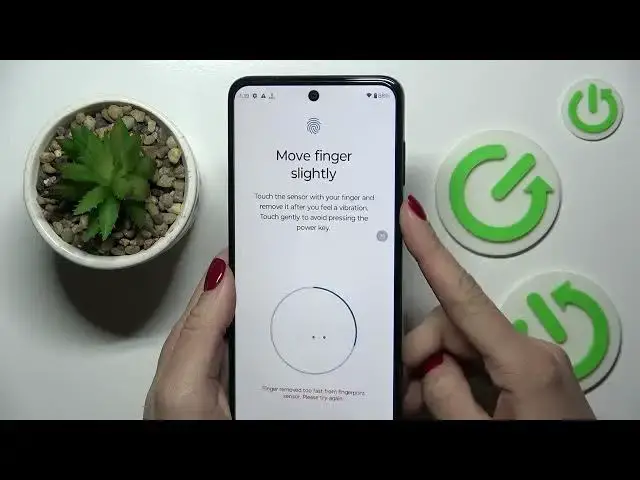

How to Register and Add a Fingerprint on the MOTOROLA Moto G53
Mar 23, 2024

Learn more about MOTOROLA Moto G53: https://www.hardreset.info/devices/motorola/motorola-moto-g53/tutorials/
In this YouTube video, we'll show you how to register and add a fingerprint on your MOTOROLA Moto G5. Adding a fingerprint is a great way to enhance your phone's security and make unlocking your device faster and more convenient. We'll walk you through the simple steps to register and add a fingerprint, including how to access your phone's settings, select the security option, and choose the fingerprint option. We'll also explain how to properly position your finger for scanning and how to add multiple fingerprints for added convenience. If you want to enhance your phone's security and make unlocking your device easier, follow along with our tutorial and learn how to register and add a fingerprint on your Moto G5.
How to set up fingerprint recognition on the MOTOROLA Moto G53? How to enroll a fingerprint on the MOTOROLA Moto G53? How to scan a fingerprint on the MOTOROLA Moto G53? How to enable fingerprint recognition screen lock on a MOTOROLA Moto G53?
#MOTOROLAMotoG53 #Fingerprint #MOTOROLASecurity
Follow us on Instagram ► https://www.instagram.com/hardreset.info
Like us on Facebook ►
https://www.facebook.com/hardresetinfo/
Tweet us on Twitter ► https://twitter.com/HardResetI
Support us on TikTok ► https://www.tiktok.com/@hardreset.info
Use Reset Guides for many popular Apps ► https://www.hardreset.info/apps/apps/
Show More Show Less