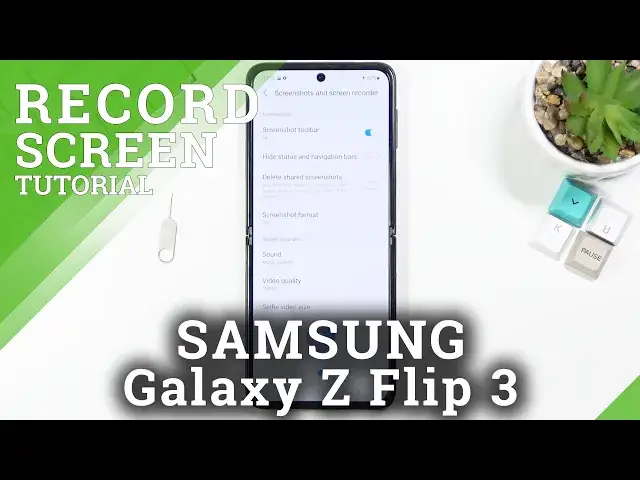

How to Record Screen on SAMSUNG Galaxy Z Flip 3 – Use Screen Recorder
Apr 10, 2024

Check out more info about SAMSUNG Galaxy Z Flip 3:
https://www.hardreset.info/devices/samsung/samsung-galaxy-z-flip3-5g/
Not really sure how to record screen on SAMSUNG Galaxy Z Flip 3? Are you looking for a solution to use a screen recorder on SAMSUNG Galaxy Z Flip 3? In the attached instructions, we teach you how to successfully record the screen in SAMSUNG Galaxy Z Flip 3. If you wish to learn how to save fleeting content of your Samsung device, follow the above tutorial and check how to record the screen in SAMSUNG Galaxy Z Flip 3 successfully. Let’s use our instructions and start recording the Samsung display. Visit our HardReset.info YT channel and get more tutorials for SAMSUNG Galaxy Z Flip 3.
How to record screen in SAMSUNG Galaxy Z Flip 3? How to save screen in SAMSUNG Galaxy Z Flip 3? How to capture screen in SAMSUNG Galaxy Z Flip 3? How to record display in SAMSUNG Galaxy Z Flip 3? How to save fleeting content in SAMSUNG Galaxy Z Flip 3?
#RecordScreen #ScreenRecorder #SAMSUNGGalaxyZFlip3
Follow us on Instagram ► https://www.instagram.com/hardreset.info
Like us on Facebook ► https://www.facebook.com/hardresetinfo/
Tweet us on Twitter ► https://twitter.com/HardResetI
Support us on TikTok ► https://www.tiktok.com/@hardreset.info
Use Reset Guides for many popular Apps ► https://www.hardreset.info/apps/apps/
Show More Show Less