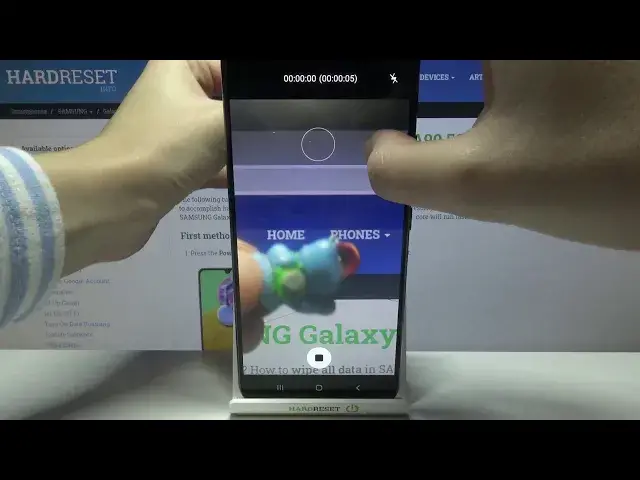

How to Record Hyper Lapse in SAMSUNG Galaxy A90 5G – Advanced Time Lapse Option
Apr 24, 2024

Learn more info about SAMSUNG Galaxy A90 5G: https://www.hardreset.info/devices/samsung/samsung-galaxy-a90-5g/
Would you like to learn how to learn hyper lapse feature applied in SAMSUNG Galaxy A90 5G? In this video we’d like to share with you how easily you can use the hyper lapse which is simply a time lapse and has the same effects. You’ll be able to record some slow actions and phenomenon and then your device will fasten it automatically after turning on the hyper lapse option. So let’s follow all shown steps and successfully record hyper lapse videos.
How to use hyper lapse in SAMSUNG Galaxy A90 5G? How to manage hyper lapse in SAMSUNG Galaxy A90 5G? How to activate hyper lapse in SAMSUNG Galaxy A90 5G?How to open camera settings in SAMSUNG Galaxy A90 5G? How to switch on time lapse in SAMSUNG Galaxy A90 5G? How to turn off time lapse in SAMSUNG Galaxy A90 5G? How to use SAMSUNG Galaxy A90 5G camera features? How to set up camera time lapse in SAMSUNG Galaxy A90 5G?
#HyperLapse #RecordHyperLapse #SAMSUNGGalaxyA905G
Follow us on Instagram ► https://www.instagram.com/hardreset.info
Like us on Facebook ► https://www.facebook.com/hardresetinfo/
Tweet us on Twitter ► https://twitter.com/HardResetI
Support us on TikTok ► https://www.tiktok.com/@hardreset.info
Use Reset Guides for many popular Apps ► https://www.hardreset.info/apps/apps/
Show More Show Less