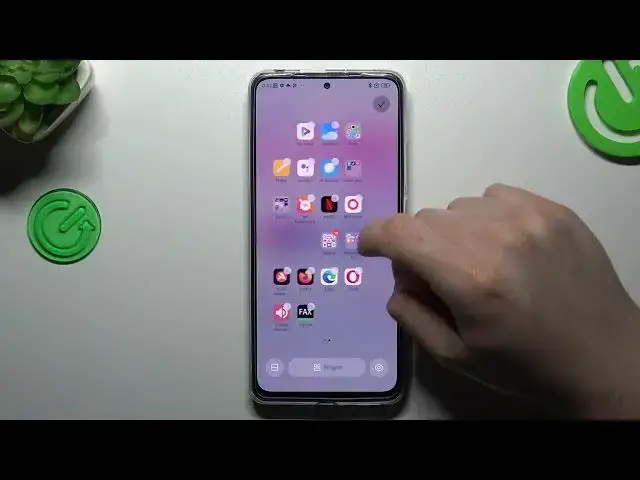

How to Rearrange Home Screen on a REDMI Note 11 Pro
Jul 29, 2024

Learn more about the REDMI Note 11 Pro: https://www.hardreset.info/devices/redmi/redmi-note-11-pro/tutorials/
In this tutorial video, you will learn how to rearrange the home screen on your REDMI Note 11 Pro. We will show you how to customize your home screen layout by rearranging the app icons, adding and removing widgets, and creating new folders. We will also demonstrate how to access the home screen settings to adjust parameters such as the grid size, icon size, and app drawer settings. Whether you're a new REDMI Note 11 Pro user or just looking to organize your home screen more efficiently, this video will provide you with the tools and knowledge to rearrange your home screen and create a customized layout that suits your needs.
How to move app icons on the home screen of REDMI Note 11 Pro? How to create home screen app icons on a REDMI Note 11 Pro? How to manage home screen widgets on a REDMI Note 11 Pro?
#REDMINote11Pro #HomeScreen #XIAOMIApps
Follow us on Instagram ► https://www.instagram.com/hardreset.info
Like us on Facebook ►
https://www.facebook.com/hardresetinfo/
Tweet us on Twitter ► https://twitter.com/HardResetI
Support us on TikTok ► https://www.tiktok.com/@hardreset.info
Use Reset Guides for many popular Apps ► https://www.hardreset.info/apps/apps/
Show More Show Less #Computers & Electronics
#Home & Garden
#Skins, Themes & Wallpapers
#Reference