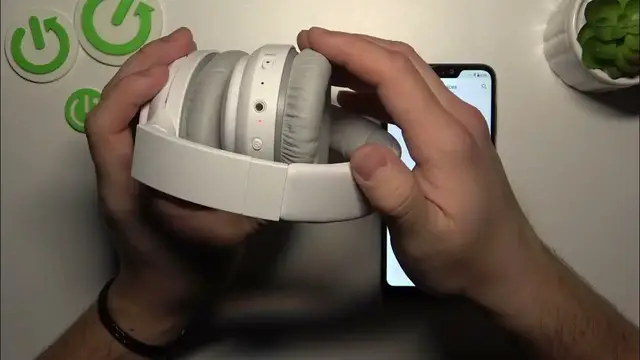

How To Quickly Perform a Soft Reset on Your Creative Zen Hybrid
Jan 18, 2024

Find out more: https://www.hardreset.info/devices/
Embark on a quick and effective troubleshooting journey with our video, "Creative Zen Hybrid: Perform Soft Reset". This tutorial is crafted for those experiencing minor glitches with their Creative Zen Hybrid headphones. Whether you're facing connectivity issues, or audio inconsistencies, or just want to refresh your device, a soft reset can be your go-to solution. We delve into the simple yet efficient process of performing a soft reset, ensuring your headphones work smoothly without altering any of your personalized settings or deleting paired devices. Ideal for both tech enthusiasts and everyday users, this guide demystifies the reset process, making it accessible to all. With clear, concise instructions, we aim to help you quickly restore your Creative Zen Hybrid's performance, so you can get back to enjoying your music, podcasts, and calls without any hiccups. Join us to master this essential skill and keep your headphones functioning optimally with minimal effort.
#CreativeZenTroubleshoot
#HeadphoneReset
#TechTips
Related "How To" Questions:
How to identify when your Creative Zen Hybrid needs a soft reset?
How to ensure all your settings remain intact after a soft reset?
How to verify if the soft reset was successful on your Creative Zen Hybrid?
How to differentiate between a soft reset and a factory reset?
How to perform regular maintenance on your Creative Zen Hybrid headphones?
Follow us on Instagram ► https://www.instagram.com/hardreset.info
Like us on Facebook ► https://www.facebook.com/hardresetinfo/
Tweet us on Twitter ► https://twitter.com/HardResetI
Support us on TikTok ► https://www.tiktok.com/@hardreset.info
Use Reset Guides for many popular Apps ► https://www.hardreset.info/apps/apps/
Show More Show Less #Science