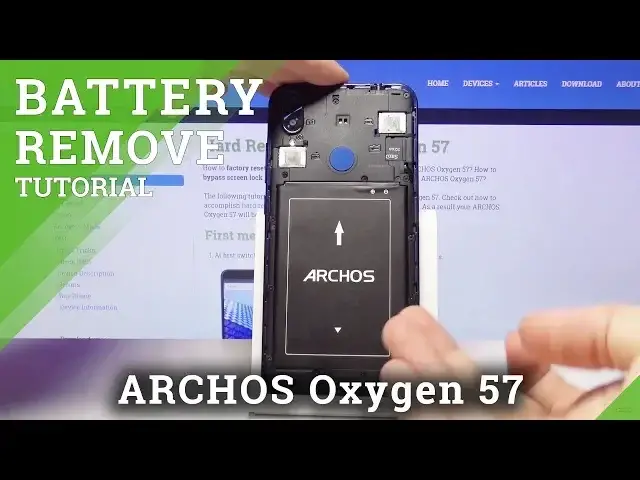

How to Perform Soft Reset in ARCHOS Oxygen 57 - Remove Battery / Open Back Cover
May 22, 2024

Learn more about ARCHOS Oxygen 57:
https://www.hardreset.info/devices/archos/archos-oxygen-57/
If you notice that your device is running slowly or have some problems with properly working you should perform the Soft Reset operation as a first try to fix those issues. We will show you the easiest method of forcing restart in your device. Remove the battery and back cover of your device and wait for a short while until you will insert them back into the phone. It is simply trick which is always good to try in case of problems with the performance of your device.
How to remove back cover in ARCHOS Oxygen 57? How to replace battery in ARCHOS Oxygen 57? How to remove battery in ARCHOS Oxygen 57? How to perform Soft Reset in ARCHOS Oxygen 57?
Follow us on Instagram ► https://www.instagram.com/hardreset.info/
Like us on Facebook ► https://www.facebook.com/hardresetinfo/
Tweet us on Twitter ► https://twitter.com/HardresetI/
Show More Show Less