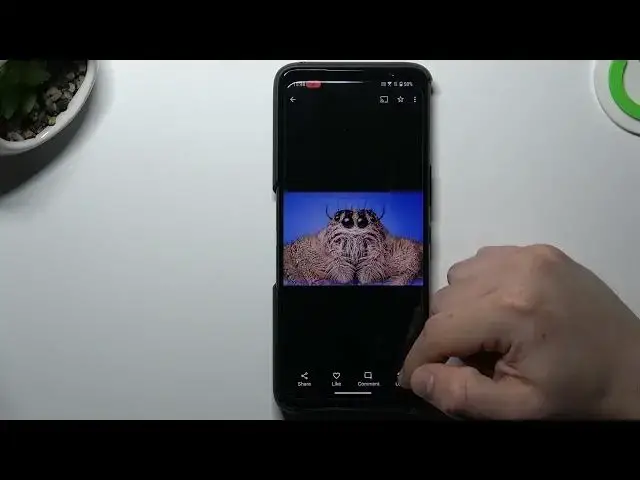

How To Perform Reverse Image Search On Asus Rog Phone 6D | Google Image Search
Jul 31, 2024

Check more info about ASUS ROG Phone 6D : https://www.hardreset.info/devices/asus/asus-rog-phone-6d/tutorials/
In this informative video tutorial, we guide you through the process of performing a reverse image search on your ASUS ROG Phone 6D using the powerful Google Image Search feature. If you've ever wondered about the origin, similar images, or additional information related to a particular image, this video is for you. We address the most searched questions, providing step-by-step instructions and helpful tips to help you master reverse image search on your ASUS ROG Phone 6D.
How can I perform a reverse image search on my ASUS ROG Phone 6D?
Is there a specific app or method to conduct a reverse image search using Google on my phone?
Can I use the Chrome browser on my ASUS ROG Phone 6D to perform a reverse image search?
Are there any alternative image search engines or apps that I can use on my phone?
#asusrogphone6 #gamingphone #imagesearch
Follow us on Instagram ► https://www.instagram.com/hardreset.info
Like us on Facebook ► https://www.facebook.com/hardresetinfo/
Tweet us on Twitter ► https://twitter.com/HardResetI
Support us on TikTok ► https://www.tiktok.com/@hardreset.info
Use Reset Guides for many popular Apps ► https://www.hardreset.info/apps/apps/
Show More Show Less