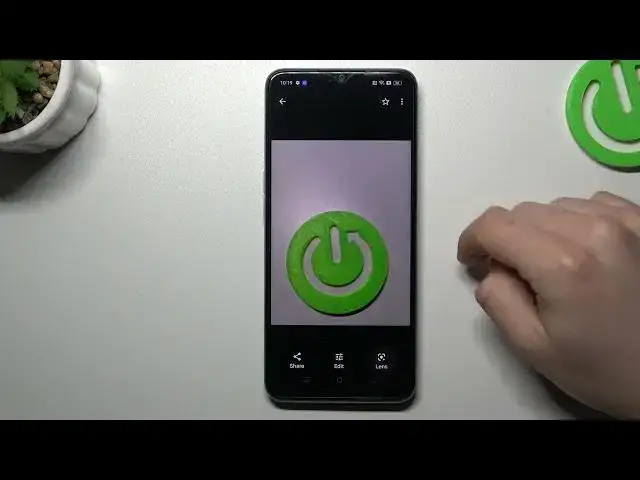

How to perform a Reverse Photo Search in Google on Oppo A78
Jul 30, 2024

Find out more about Oppo A78:
https://www.hardreset.info/devices/oppo/oppo-a78/tutorials/
Greetings, Users! We're excited to share with you a helpful tip on performing a reverse image search on Google using your Oppo A78. Our tutorial will showcase how you can utilize Google Lens to perform this task. Thank you for watching, and we hope you find our video tutorial useful! If you want to know more about your Oppo A78, visit our YouTube channel.
How to Use Google's Reverse Image Search on Oppo A78? How to perform a reverse photo search in Oppo A78? How to Search Browser with an Image on Oppo A78?
#ReverseImageSearch #ReversePhotoSearch #OppoA78
Follow us on Instagram ► https://www.instagram.com/hardreset.info
Like us on Facebook ► https://www.facebook.com/hardresetinfo/
Tweet us on Twitter ► https://twitter.com/HardResetI
Support us on TikTok ► https://www.tiktok.com/@hardreset.info
Use Reset Guides for many popular Apps ► https://www.hardreset.info/apps/apps/
Show More Show Less