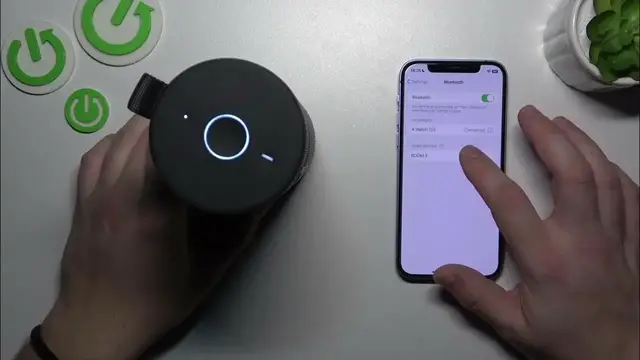

How to Pair Your Ultimate Ears Boom 3 with an iPhone / iOS Device
Jan 17, 2024

Find out more: https://www.hardreset.info/devices/
Embark on a sonic adventure with our newest guide on pairing your Ultimate Ears Boom 3 with an iPhone. This video is a treasure trove for iPhone users looking to amplify their music experience with the dynamic sound of the UE Boom 3. We delve into the seamless process of connecting these two powerful devices, ensuring a flawless setup for your listening pleasure. Whether you're at home, in the office, or on the go, our tips make it easy to sync your music library with robust, high-quality sound. Ideal for tech-savvy individuals, iPhone aficionados, and music lovers, this video simplifies Bluetooth connectivity, enhancing your daily audio experience. Discover the potential of your UE Boom 3 when paired with an iPhone, and make the most of your device's features. Don't forget to like, subscribe, and hit the notification bell for more insightful tech content
#UEBoom3iPhone
#BluetoothPairing
#TechHowTo
Questions for the Video:
How to initiate pairing mode on the Ultimate Ears Boom 3 for iPhone?
How to find and connect to the UE Boom 3 in your iPhone's Bluetooth settings?
How to troubleshoot common pairing issues between the UE Boom 3 and iPhone?
How to control the UE Boom 3 functions from your iPhone?
How to optimize sound settings on the UE Boom 3 when paired with an iPhone?
Follow us on Instagram ► https://www.instagram.com/hardreset.info
Like us on Facebook ► https://www.facebook.com/hardresetinfo/
Tweet us on Twitter ► https://twitter.com/HardResetI
Support us on TikTok ► https://www.tiktok.com/@hardreset.info
Use Reset Guides for many popular Apps ► https://www.hardreset.info/apps/apps/
Show More Show Less