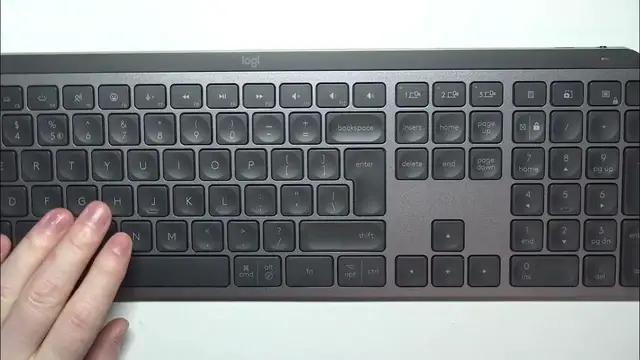

How To Pair Logitech MXKeys S With PC
Jan 13, 2024

Find out more: https://www.hardreset.info
Experience seamless connectivity with your PC by learning how to pair the Logitech MX Keys S. This tutorial provides a quick and easy step-by-step guide, ensuring you can establish a stable connection in no time. Whether you're setting up your keyboard for the first time or reconnecting after a change, this video is your key to mastering the pairing process with your PC.
How can users effortlessly pair their Logitech MX Keys S with their PC for quick and reliable connectivity?
Are there specific controls or settings within the Logitech Options software or the keyboard itself dedicated to the pairing process, and where are they located?
Can users pair the Logitech MX Keys S with multiple PCs, and if so, how does the process differ?
What indicators or signals confirm that the Logitech MX Keys S has successfully paired with the PC?
How quickly can users initiate the pairing process between the Logitech MX Keys S and their PC?
#Logitech #logitechkeyboard #Keyboard
Follow us on Instagram ► https://www.instagram.com/hardreset.info
Like us on Facebook ► https://www.facebook.com/hardresetinfo/
Tweet us on Twitter ► https://twitter.com/HardResetI
Support us on TikTok ► https://www.tiktok.com/@hardreset.info
Use Reset Guides for many popular Apps ► https://www.hardreset.info/apps/apps/
Show More Show Less