0:00
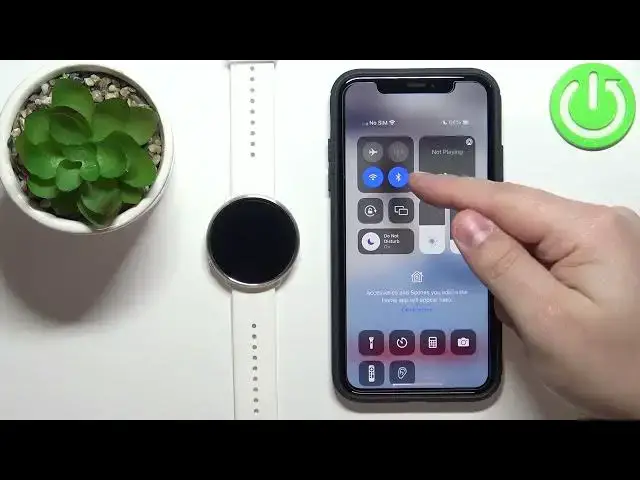
Hello, in front of me I have Polar Ignite and I'm gonna show you how to pair this watch
0:11
with the iPhone. First we need to download and install the Polar Flow application on our iPhone
0:19
So let's open the App Store. In the App Store let's tap on the Search icon, then tap on the search bar and type
0:27
in Polar Flow. Tap Search, find the Polar Flow application on the list of the apps, tap on it, then tap
0:39
on the Get button to download and install the application
0:50
After the application is done installing, you can tap on the Open button to open it
0:56
In the application you will get couple of pop-ups about the permissions
1:00
The Bluetooth one is required, so let's tap on OK. The notification one is not required, but if you want to receive the notifications from
1:08
your iPhone on your watch, you need to allow it. If you don't, you can deny it
1:12
I'm just gonna allow it. And once you're done with the permissions, make sure that the Bluetooth is enabled on
1:17
your iPhone, as you can see on mine it is. And once the Bluetooth is enabled, tap on Get Started, tap on Email, or rather here
1:26
you need to log in into an account. And if you don't have an account, you can also create a new account by tapping on Create Account
1:33
I'm just gonna log in to mine, because I have an account
1:48
And then enter the password. Then tap Sign In. And once you're logged in, go to your watch, wake up the screen on it by pressing the Back button
2:06
Once you wake up the screen, press the Back button again to open the menu. Now scroll down, find the Settings icon and tap on it to enter the settings
2:16
In Settings, tap on General Settings. Oh, my bad. General Settings. Then tap on Pair and Sync
2:23
And here tap on Pair and Sync Phone. Now you should see this on the screen
2:29
And the app should automatically detect your watch. So let's tap on Pair. Tap on the checkmark to confirm
2:39
I apologize, the screen is not reacting too well. But now the phone should start syncing with your watch
2:45
So let's wait until it's done. And once the devices are done syncing, you can also tap on More Options icon right here
2:57
Scroll down, tap on Devices and you will be able to see the Polar Ignite page
3:02
And also, if you want to make sure that the watch is paired with the phone, you can scroll
3:07
down in the Pair and Sync menu, tap on Pair Devices. And here you should see the name of the phone that you paired your watch to
3:16
As you can see, here we have it. Okay, and that's how you pair this watch with the iPhone
3:22
Thank you for watching. If you found this video helpful, please consider subscribing to our channel and leaving a like