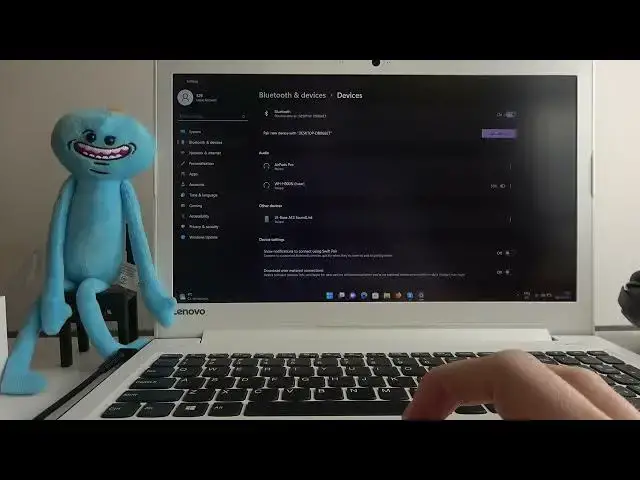

How to Pair AfterShokz Trekz Titanium with Laptop / PC?
Jul 24, 2024

If you are looking for more info check our website: https://www.hardreset.info/
In this tutorial, we will show you how to easily pair your AfterShokz Trekz Titanium wireless headphones with a laptop or PC running a Windows operating system. We will walk you through the simple step-by-step process for connecting the headphones to your device, so you can enjoy high-quality audio and take advantage of the advanced features of your Trekz Titanium headphones. Whether you're new to wireless headphones or just need a refresher on the pairing process, this tutorial will have you up and running in no time. So, join us as we show you how to pair your AfterShokz Trekz Titanium with your laptop or PC in just a few easy steps.
How to Connect AfterShokz Trekz Titanium with Laptop? How to Use AfterShokz Trekz Titanium with Windows? How to Link AfterShokz Trekz Titanium with PC? How to Sync AfterShokz Trekz Titanium with Computer?
#aftershokz #trekztitanium #boneconduction
Follow us on Instagram ► https://www.instagram.com/hardreset.info
Like us on Facebook ► https://www.facebook.com/hardresetinfo/
Tweet us on Twitter ► https://twitter.com/HardResetI
Support us on TikTok ► https://www.tiktok.com/@hardreset.info
Use Reset Guides for many popular Apps ► https://www.hardreset.info/apps/apps/
Show More Show Less