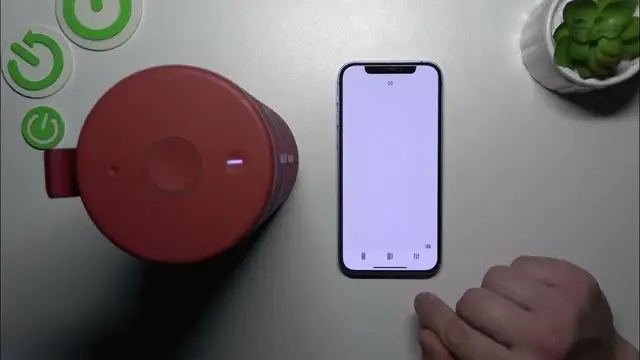

How to Optimize Your Ultimate Ears MegaBoom 3 Equalizer Settings
Jan 17, 2024

Find out more: https://www.hardreset.info/devices/
Unlock the secret to superior sound with our newest video on managing the equalizer settings of the Ultimate Ears MegaBoom 3. This tutorial is a goldmine for anyone eager to enhance their audio experience, providing insights on how to tailor the sound to fit every occasion. Whether you're looking to boost the bass for a party or seeking a balanced tone for relaxing evenings, we've got you covered. We delve into the intuitive interface of the MegaBoom 3, showcasing how easy it is to adjust and experiment with different sound profiles. Ideal for music lovers and gadget enthusiasts alike, this video demystifies the process of fine-tuning your speaker to achieve audio perfection. From jazz to EDM, your MegaBoom 3 is ready to deliver the ultimate listening experience. Don't forget to like, subscribe, and turn on notifications for more tech tips and tricks
#MegaBoom3Sound
#EqualizerSettings
#AudioEnhancement
Questions for the Video:
How to access and adjust the equalizer settings on the MegaBoom 3?
How to customize sound profiles for different music genres on your MegaBoom 3?
How to enhance bass and treble on the MegaBoom 3 for an immersive experience?
How to save your custom equalizer settings on the MegaBoom 3?
How to use the MegaBoom 3 app for advanced equalizer management?
Follow us on Instagram ► https://www.instagram.com/hardreset.info
Like us on Facebook ► https://www.facebook.com/hardresetinfo/
Tweet us on Twitter ► https://twitter.com/HardResetI
Support us on TikTok ► https://www.tiktok.com/@hardreset.info
Use Reset Guides for many popular Apps ► https://www.hardreset.info/apps/apps/
Show More Show Less #Science