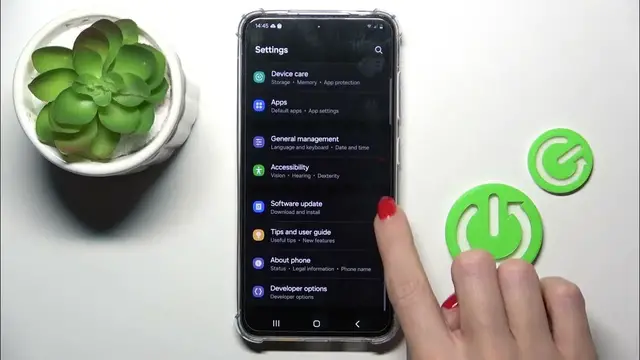

How to Open Developer Options on SAMSUNG Galaxy S24
Mar 3, 2024

We invite you to visit our website and find out more about SAMSUNG Galaxy S24: https://www.hardreset.info/devices/samsung/samsung-galaxy-s24/tutorials/
Unlock hidden features and unleash the full potential of your SAMSUNG Galaxy S24 by learning how to reveal developer options in this tutorial. Developer options provide access to advanced settings and debugging tools, allowing for greater customization and control over your device. In this video, we walk you through the steps to enable developer options on your SAMSUNG Galaxy S24, empowering you to optimize performance and tailor your device to your preferences.
How to enter developer options on SAMSUNG Galaxy S24? How to reveal developer options on SAMSUNG Galaxy S24? How to enable developer settings on SAMSUNG Galaxy S24?
#SAMSUNGGalaxyS24 #DeveloperOptions #SAMSUNGSettings
Follow us on Instagram ► https://www.instagram.com/hardreset.info
Like us on Facebook ► https://www.facebook.com/hardresetinfo/
Tweet us on Twitter ► https://twitter.com/HardResetI
Support us on TikTok ► https://www.tiktok.com/@hardreset.info
Use Reset Guides for many popular Apps ► https://www.hardreset.info/apps/apps/
Show More Show Less