0:00
Hi everyone! In front of me I've got Huawei P10 Lite and let me share with you
0:04
how to enable the developer options on this device. So let's start with opening the settings and here we have to scroll down to the very very bottom to
0:16
find the system. Now let's enter about phone which is at the top and here we have to find a special
0:23
number which is called build number and as you can see fortunately in this device it is almost
0:27
at the top. So all we have to do right now is to keep tapping on it until we'll see that we are in
0:33
the developer mode. So after this information we can go back to the system settings
0:41
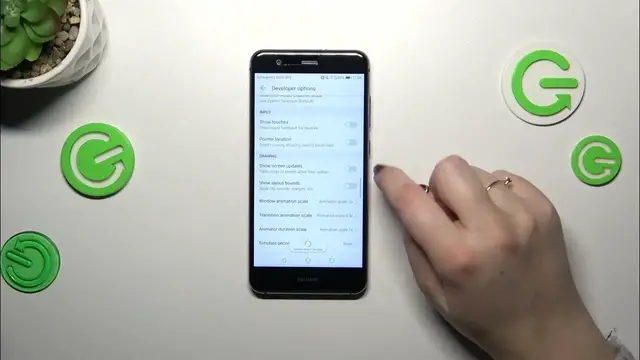
and tap on developer options and as you can see here we've got plenty of advanced settings which
0:47
we can customize. So for example we can force allow apps on external option, we can simulate
0:53
color space, we can force GPU rendering, show screen updates, pointer location. Here we've got
1:02
some options which are connected with the networking because we've got the Wi-Fi, USB, Bluetooth
1:07
etc. So quite a lot of options and basically in order to turn on the features simply tap on the
1:13
switcher and it will be immediately activated and applied. Of course we can turn it off the
1:19
same way. If you've got the options without the switcher like here in the window animation
1:23
scale just tap on it to open more options to choose from. What is more if you're done with
1:29
customization of developer options you can always turn them off. Just go to the very top of the list
1:34
and localize this switcher. Simply tap on it. Most of the options which are available in the
1:40
developer options will be inactive and basically after getting back to either the system or turning
1:46
all the settings fully the developer options should disappear from this list. But of course
1:52
no worries you can customize them again just go back to the build numbers tab and keep tapping
1:58
All right so that would be all. Thank you so much for watching. I hope that this video was helpful
2:03
and if it was please hit the subscribe button and leave the thumbs up