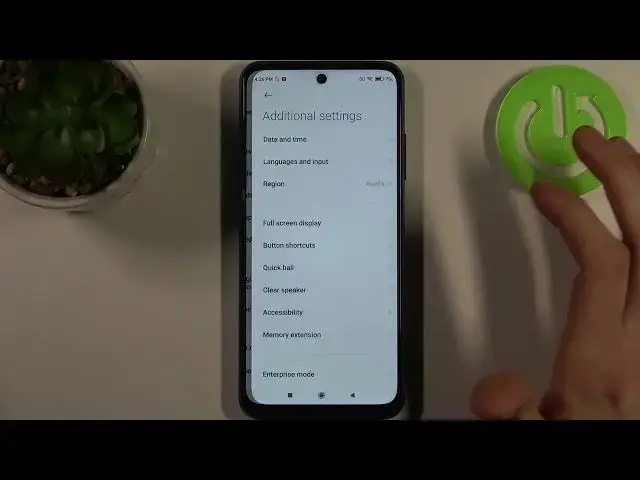

How to Open Developer Options in POCO M3 Pro - Enter Developer Mode
Jul 4, 2024

Find out more info about POCO M3 Pro:
https://www.hardreset.info/devices/xiaomi/xiaomi-poco-m3-pro/
Hi! If you want to know how to enter Developer Mode in POCO M3 Pro, open this tutorial. Our expert will show you what you need to do to enter this hidden mode, so follow his instructions and successfully open a list with all the advanced options on your POCO M3 Pro. Go to our YouTube channel if you want to know more about the POCO M3 Pro.
How to activate developer options in POCO M3 Pro? How to enable developer options in XIAOMI? How to get access to Developer Options in POCO M3 Pro? How to turn on the Developer Mode in POCO M3 Pro? How to turn off Developer Mode in POCO M3 Pro? How to open developer options in POCO M3 Pro? How to close Developer Options in POCO M3 Pro? How to quit Developer Mode on POCO M3 Pro?
#DeveloperMode #DeveloperOptions #POCOM3Pro
Follow us on Instagram ► https://www.instagram.com/hardreset.info
Like us on Facebook ► https://www.facebook.com/hardresetinfo/
Tweet us on Twitter ► https://twitter.com/HardResetI
Support us on TikTok ► https://www.tiktok.com/@hardreset.info
Use Reset Guides for many popular Apps ► https://www.hardreset.info/apps/apps/
Show More Show Less