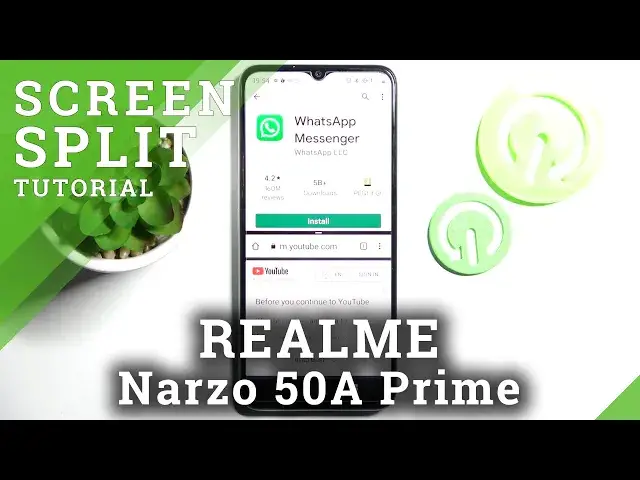

How to Open Apps Using Split Screen View in Realme Narzo 50A Prime - Access Split Screen Feature
Apr 5, 2024

Learn more info about Realme Narzo 50A Prime: https://www.hardreset.info/devices/realme/realme-narzo-50a-prime/
In this video, we’ll love to present to you how to Open Apps Using a Split Screen view on Realme Narzo 50A Prime! Thanks to this amazing feature you’ll be able to operate in both apps of your choice at the same time. So, if you want to make multitasking much easier on this Realme smartphone, then let’s get started!
How to Split Screen in REALME NARZO 50A PRIME? How to Create Split Screen in REALME NARZO 50A PRIME? How to Use Multitasking in REALME NARZO 50A PRIME? How to Use Dual Screen in REALME NARZO 50A PRIME? How to Open Apps in Split Screen View in REALME NARZO 50A PRIME? How to Device Screen in REALME NARZO 50A PRIME? How to Open Two Apps on Display of REALME NARZO 50A PRIME?
#RealmeNarzo50APrime #CreateDualScreen #OpenAppsSplitScreen
Follow us on Instagram ► https://www.instagram.com/hardreset.info
Like us on Facebook ► https://www.facebook.com/hardresetinfo/
Tweet us on Twitter ► https:g//twitter.com/HardResetI
Support us on TikTok ►https://tiktok.com/@hardreset.info
Use Reset Guides for many popular Apps ► https://www.hardreset.info/apps/apps/
Show More Show Less