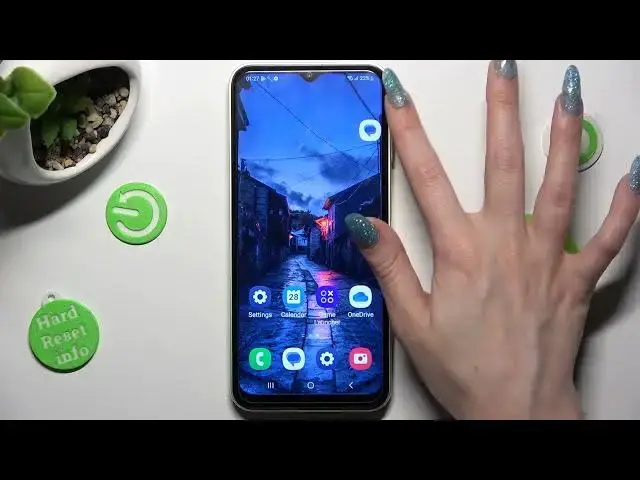

How to Open Apps in Pop Up View in SAMSUNG Galaxy A14 - Window Mode
Jul 28, 2024

Learn more info about SAMSUNG Galaxy A14:
https://www.hardreset.info/devices/samsung/samsung-galaxy-a14-5g/tutorials/
Did you know that you can open apps in your SAMSUNG Galaxy A14 not on the full screen, but in windowed mode, just like on the computer? In this video, we would like to show you how to do it! In this tutorial, we would like to show you how easily you can find the proper option, which will allow you to open the apps in a pop-up view. Thanks to this you'll be able to use them, without the need to switch from another app. So let's follow all shown steps and successfully open apps in the pop-up view.
How to enter pop up view in SAMSUNG Galaxy A14? How to find pop up view in SAMSUNG Galaxy A14? How to enable pop up view in SAMSUNG Galaxy A14? How to use pop up view in SAMSUNG Galaxy A14? How to activate windowed mode in SAMSUNG Galaxy A14? How to enable windowed mode in SAMSUNG Galaxy A14? How to open many apps in SAMSUNG Galaxy A14? How o use many apps in SAMSUNG Galaxy A14? How to create windowed apps in SAMSUNG Galaxy A14? How to create split screen in SAMSUNG Galaxy A14? How to find split screen in SAMSUNG Galaxy A14?
#PopUpView #AppWindow #SAMSUNGGalaxyA14
Follow us on Instagram ► https://www.instagram.com/hardreset.info
Like us on Facebook ► https://www.facebook.com/hardresetinfo/
Tweet us on Twitter ► https://twitter.com/HardResetI
Support us on TikTok ► https://www.tiktok.com/@hardreset.info
Use Reset Guides for many popular Apps ► https://www.hardreset.info/apps/apps/
Show More Show Less #Consumer Electronics
#Software
#Computer Science