0:00
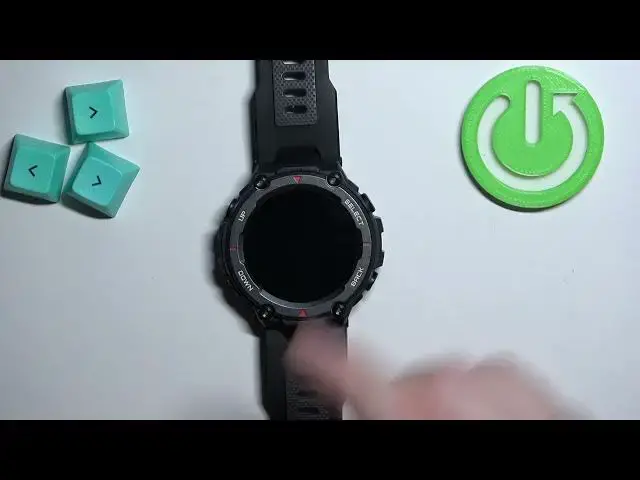
Welcome! In front of me I have Amazfit T-Rex Pro and I'm gonna show you how to measure the heart rate on this watch
0:09
Before we start if you want to get the most accurate results of your measurements make sure to put your watch on your wrist
0:16
at least two fingers away from your palm. Secure it tightly so it doesn't move around and while you're measuring your heart rate try not to move too much
0:24
I'm just gonna place my watch on the wrist and keep it here, but because of that
0:30
my results might be not too accurate. Okay. Let's continue with the measurement
0:34
First thing you will need to do is to wake up the screen on your watch and you can do it by pressing any of
0:39
the buttons. After you wake up the screen you should see the current watch face, the home page or home screen and on this home screen you can swipe left to open the menu
0:51
Scroll through the menu, find the heart rate option and tap on it to open the heart rate widget
0:55
If you have your watch on your wrist it will start measuring automatically, but as you can see it doesn't measure because it's not measuring rather because it says to put the watch on
1:07
So I'm gonna put my watch on reopen the widget and it should start measuring automatically
1:14
once it detects that I'm wearing the watch. Now, let's wait for the result
1:28
And after a couple of seconds you should get your result like this. Sometimes it will
1:37
jump around but as you can see here we have our result. Okay, and you can also swipe up right here in this widget to see the
1:48
basically heart zones. As you can see we have different heart zones and you can see how much time did you spend
1:53
in them. And once you're done measuring you can press the back button to go back to menu and then watch face
1:59
Also by default you can swipe right on the screen, no not right, up
2:04
on the screen to open the widgets menu and on the widgets menu you should see the heart rate widget
2:09
And you can tap on it to open the widget and measure the heart rate if you want to
2:15
Okay, and that's how you measure the heart rate on this watch. Thank you for watching. If you found this video helpful, please consider subscribing to our channel and leaving the like on the video