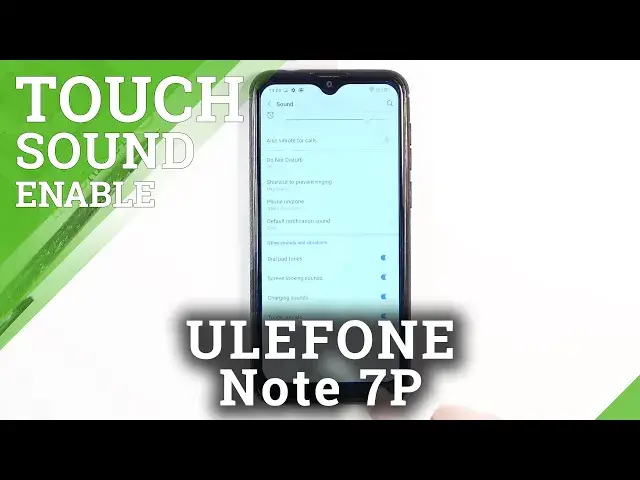

How to Manage Touch Sounds in ULEFONE Note 7P – Turn On / Off Tap Sounds
Jul 15, 2024

Learn more info about ULEFONE Note 7P:
https://www.hardreset.info/devices/ulefone/ulefone-note-7p/
If you’re not the biggest fan of tap sounds applied in your ULEFONE Note 7P or maybe you cannot hear them and you miss click feedback from your device? No worries, here we are to help you! In above tutorial we’d like to show you how easily you can find proper sound settings which will let you manage the touch sounds, so you’ll be able to either turn them off or on! Let’s follow all shown steps and manage touch sounds.
How to Activate Touch Sound in ULEFONE Note 7P? How to Manage Touch Sounds in ULEFONE Note 7P? How to Change Touch Sound in ULEFONE Note 7P? How to Change Touch Tone in ULEFONE Note 7P? How to Manage Touch Tone in ULEFONE Note 7P? How to Enable Touch Tones in ULEFONE Note 7P? How to Enable Touch Sounds in ULEFONE Note 7P? How to Activate Touch Tones in ULEFONE Note 7P? How to Customize Touch Tones in ULEFONE Note 7P? How to Turn Off Touch Tone in ULEFONE Note 7P?
Follow us on Instagram ► https://www.instagram.com/hardreset.info
Like us on Facebook ► https://www.facebook.com/hardresetinfo/
Tweet us on Twitter ► https://twitter.com/HardResetI
Show More Show Less