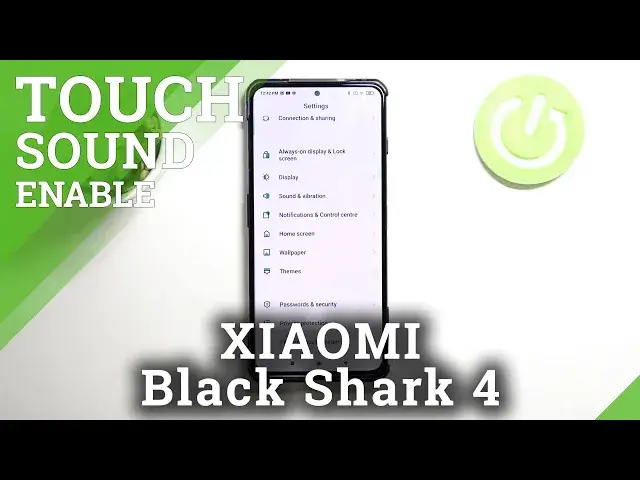

How to Manage Touch Sound in XIAOMI Black Shark 4 – Turn On / Off Touch Sound
Jul 6, 2024

Learn more info about XIAOMI Black Shark 4: https://www.hardreset.info/devices/xiaomi/xiaomi-black-shark-4/
If you’re wondering how to manage touch sound in XIAOMI Black Shark 4, then here we are coming with help! It doesn’t matter if you’re a fan of the sound feedback after tapping on the screen or you’d like to turn it off – simply follow all shown steps! Above tutorial will show you how to get into proper sound settings and how to manage them to manage the touch sound. So let’s follow all shown steps and successfully manage touch sound.
How to Activate Touch Sound in XIAOMI Black Shark 4? How to Manage Touch Sounds in XIAOMI Black Shark 4? How to Change Touch Sound in XIAOMI Black Shark 4? How to Change Touch Tone in XIAOMI Black Shark 4? How to Manage Touch Tone in XIAOMI Black Shark 4? How to Enable Touch Tones in XIAOMI Black Shark 4? How to Enable Touch Sounds in XIAOMI Black Shark 4? How to Activate Touch Tones in XIAOMI Black Shark 4? How to Customize Touch Tones in XIAOMI Black Shark 4? How to Turn Off Touch Tone in XIAOMI Black Shark 4?
#TouchSound #TouchFeedback #XIAOMIBlackShark4
Follow us on Instagram ► https://www.instagram.com/hardreset.info
Like us on Facebook ► https://www.facebook.com/hardresetinfo/
Tweet us on Twitter ► https://twitter.com/HardResetI
Support us on TikTok ► https://www.tiktok.com/@hardreset.info
Use Reset Guides for many popular Apps ► https://www.hardreset.info/apps/apps/
Show More Show Less