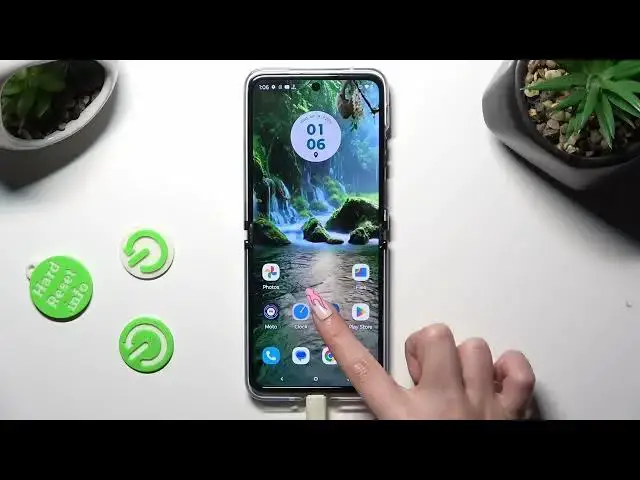

How to Manage Screen Auto Rotation in MOTOROLA Razr 40 Ultra – Rotate Screen Management
Aug 2, 2024

Learn more info about MOTOROLA Razr 40 Ultra:
https://www.hardreset.info/devices/motorola/motorola-razr-40-ultra/tutorials/
If you're wondering how to manage screen automatic rotation in your MOTOROLA Razr 40 Ultra, then here we are coming to show you! In this tutorial, we would like to guide you to the proper section, which will allow you to either tur on or off the autorotation. Thanks to this you'll be able to decide whether you want your device to automatically rotate the screen, or freeze it in one position. So let's follow all shown steps and successfully manage screen rotation.
How to turn off auto rotation in MOTOROLA Razr 40 Ultra? How to disable auto rotation in MOTOROLA Razr 40 Ultra? How to switch off auto rotation in MOTOROLA Razr 40 Ultra? How to remove auto rotation in MOTOROLA Razr 40 Ultra? How to stop MOTOROLA Razr 40 Ultra to turn screen? How to turn off display auto rotation in MOTOROLA Razr 40 Ultra? How to disable display auto rotation in MOTOROLA Razr 40 Ultra?
#TurnOffRotation #AutoRotation #MOTOROLARazr40Ultra
Follow us on Instagram ► https://www.instagram.com/hardreset.info
Like us on Facebook ► https://www.facebook.com/hardresetinfo/
Tweet us on Twitter ► https://twitter.com/HardResetI
Support us on TikTok ► https://www.tiktok.com/@hardreset.info
Use Reset Guides for many popular Apps ► https://www.hardreset.info/apps/apps/
Show More Show Less