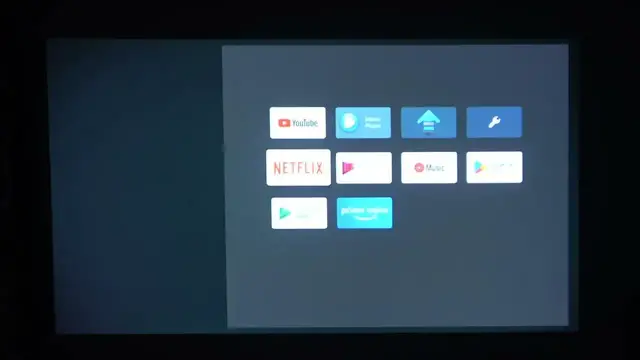

How To Manage Home Icons On Epson Smart TV Projector
Jan 18, 2024

Find out more : https://www.hardreset.info/
Customize your viewing experience on the Epson Smart TV Projector by mastering the art of managing home icons. This comprehensive guide walks you through the steps to rearrange, add, or remove icons on your projector's home screen. Discover how to personalize your entertainment hub, placing your favorite apps, channels, and features front and center for quick and easy access. Whether you're optimizing for efficiency or aesthetic appeal, this guide empowers you to take control of your Epson Smart TV Projector's home screen, ensuring a tailored and enjoyable user experience.
How do I rearrange icons on the home screen of my Epson Smart TV Projector?
Can I add new icons for apps or features that aren't currently displayed?
Is there a limit to the number of icons I can have on the home screen?
What is the process for removing unwanted icons from the home screen?
#Epson #Smartv #projector
Follow us on Instagram ► https://www.instagram.com/hardreset.info
Like us on Facebook ► https://www.facebook.com/hardresetinfo/
Tweet us on Twitter ► https://twitter.com/HardResetI
Support us on TikTok ► https://www.tiktok.com/@hardreset.info
Use Reset Guides for many popular Apps ► https://www.hardreset.info/apps/apps/
Show More Show Less