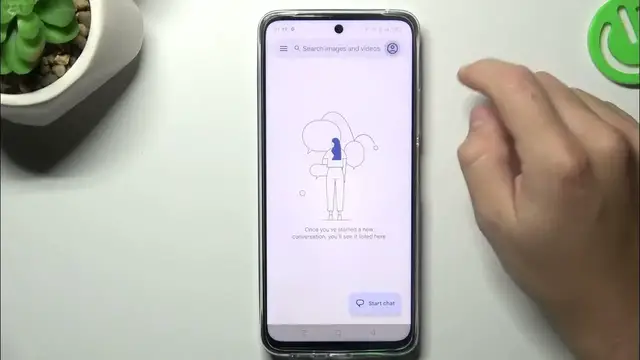

How to Manage Get SMS Reports on REALME 11?
Dec 4, 2023

Find out more:
https://www.hardreset.info/devices/realme/realme-11-5g/tutorials/
This tutorial is designed to guide Realme 11 users through the process of efficiently managing SMS reports on their device. SMS reports provide valuable insights into message delivery status, ensuring that important messages are successfully sent and received. Understanding how to access and utilize SMS reports directly from your Realme 11 smartphone can enhance your communication experience and help you keep track of message delivery statuses. This step-by-step guide will cover the necessary procedures, allowing users to access and interpret SMS reports effortlessly.
How do I access the messaging app on my Realme 11 smartphone?
Where can I find the SMS reports section within the messaging app?
What kind of information is provided in an SMS report on the Realme 11?
How can I distinguish between delivered, pending, or failed messages in the SMS report?
Are there specific symbols or indicators used in the SMS report to represent message status?
#ManagrGetSMSReports #SMSReports #REALME11
You can also check our other YouTube channels:
https://www.youtube.com/c/HardresetInfo
Follow us on Instagram ► https://www.instagram.com/hardreset.info
Like us on Facebook ► https://www.facebook.com/hardresetinfo/
Tweet us on Twitter ► https://twitter.com/HardResetI
Support us on TikTok ► https://www.tiktok.com/@hardreset.info
Use Reset Guides for many popular Apps ► https://www.hardreset.info/apps/apps/
Show More Show Less