0:00
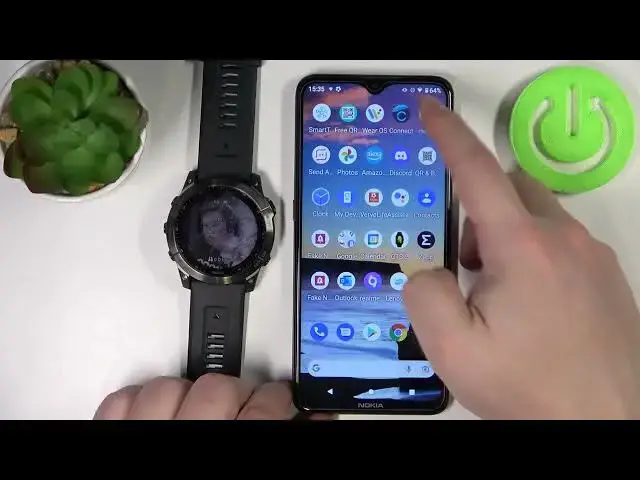
Hello! In front of me I have Garmin Fenix 7X and I'm gonna show you how to
0:11
connect this watch to the Wi-Fi network and how to disconnect it from the Wi-Fi
0:16
network. First we need to press and hold the up slash menu button to open the
0:21
menu. Once you open the menu, scroll down. You can use a touchscreen to scroll down
0:26
or the physical buttons up and down. Scroll down until you find the
0:33
connectivity option. Then select it by tapping on it or pressing the start slash
0:38
stop button. Here scroll down and select the Wi-Fi option. Now make sure that the
0:46
status option is turned on so tap on it to enable it. Then scroll down, find the
0:53
option called My Networks and select it and here select Add Network. Now the watch
1:00
will look for the available networks nearby and after a second or two you
1:04
should see the list. Find the network you want to connect to, select it and now we
1:10
can enter the password. We can do it on the phone. Basically here we have a
1:18
keyboard we can use on the phone if our phone is or rather if our watch is paired with a
1:22
phone or we can simply press the back button and that should open the keyboard
1:28
right here. We can tap on this icon to open the keyboard and we can type in the
1:32
password. So to change the symbol simply swipe up and down like this and to
1:39
change the lower and upper case tap this button. Okay so give me a couple seconds
1:43
I'm gonna enter the password. And of course once you enter the password you need to confirm by tapping
1:58
the checkmark on the right side of the watch. And now it's connected. As you can
2:11
see connection successful. You can tap right here and in My Networks the
2:18
network you connected to will appear. And that means you are connected to this
2:22
Wi-Fi network. And to disconnect from the Wi-Fi network simply open the My
2:28
Networks menu again, select the network you want to disconnect and tap on remove
2:33
to remove it and tap yes to confirm. And now we are disconnected from this network
2:37
You can also connect to Wi-Fi via the phone app. So if your watch is paired with a
2:43
phone you can open the Garmin Connect application on the phone. In the app you
2:50
should see the main screen, this one. Tap on the menu icon to open the menu. Scroll down
2:57
tap on Garmin devices, select your Fenix 7X solar, scroll down, find the
3:10
connectivity option, tap on it, tap on Wi-Fi, tap on My Networks, tap on add
3:17
network, select the network from the list, tap on it and enter the password
3:27
So give a couple of seconds. And once you're done entering the password, tap on
3:46
done, then tap on connect. And your watch should connect to the network. The network
3:56
will appear right here. You can have up to seven networks saved at the same time
4:00
Okay. And to disconnect of course via the app simply tap on the network, tap on
4:06
forget network and tap on forget. Like this. Okay. And that's how you connect to the Wi-Fi
4:14
network and disconnect from the Wi-Fi network on this device. Thank you for
4:19
watching. If you found this video helpful please consider subscribing to our
4:23
channel and leaving a like on the video