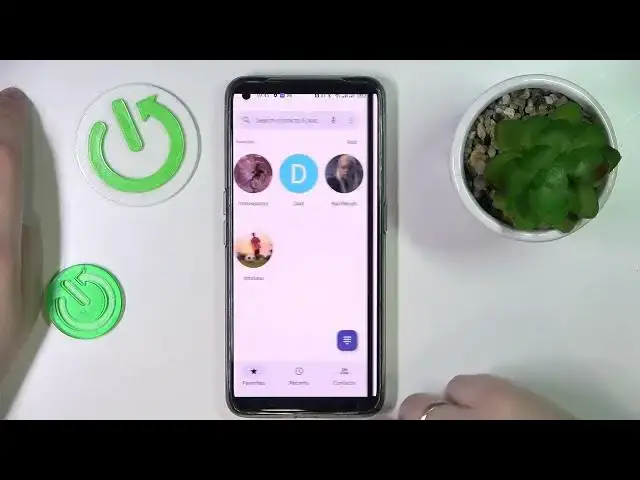

How to Manage Calling Options in Realme GT Neo 3T – Speaker on Call
Mar 25, 2024

Find out more info about REALME GT NEO 3T: https://www.hardreset.info/devices/realme/realme-gt-neo-3t/tutorials/
If you are struggling to Put a Call on Speaker, then this guide is just perfect for you! Look up, grab your Realme GT Neo 3T, then repeat all steps shown by our expert to Manage this Calling Option. After that, you’ll be able to still talk even without holding your phone. So, don’t just wait there, stick around and enjoy Switching On or Off Speaker Mode. Let’s get started!
How to Enable Speaker on Call in Realme GT Neo 3T? How to Manage Calling Options in Realme GT Neo 3T? How to Put a Call on Speaker on Realme GT Neo 3T?
#RealmeGTNeo3T #SpeakerOnCall #ManageCallingOptions
Follow us on Instagram ► https://www.instagram.com/hardreset.info
Like us on Facebook ► https://www.facebook.com/hardresetinfo/
Tweet us on Twitter ► https://twitter.com/HardResetI
Support us on TikTok ►https://tiktok.com/@hardreset.info
Use Reset Guides for many popular Apps ► https://www.hardreset.info/apps/apps
Show More Show Less