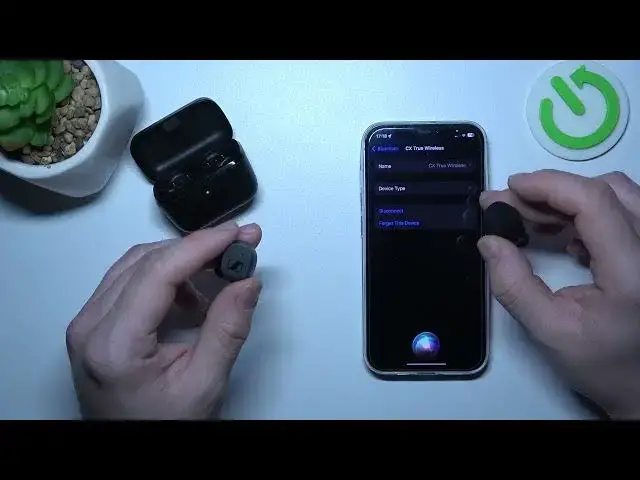

How to Manage Button Controls on Sennheiser CX Headphones
Aug 9, 2024

Find out more: https://www.hardreset.info/devices/
Welcome to our YouTube channel! In this video, we'll guide you through the process of managing button controls on your Sennheiser CX headphones. Understanding how to customize button functions can greatly enhance your headphone experience, allowing for seamless control over various features and settings. Join us as we explore the different button controls available on Sennheiser CX headphones and demonstrate how to personalize them according to your preferences. From adjusting volume levels to accessing voice assistants, mastering button controls will unlock a world of convenience and efficiency. Stay tuned to learn how to optimize the button controls on your Sennheiser CX headphones to suit your needs!
Questions:
How to assign specific functions to the buttons on Sennheiser CX headphones?
How to navigate between different audio modes using button controls?
How to activate voice commands through button controls on Sennheiser CX headphones?
How to customize button controls for music playback and call management?
How to troubleshoot button control issues on Sennheiser CX headphones?
Hashtags:
#SennheiserCX #ButtonControls #HeadphoneCustomization
Follow us on Instagram ► https://www.instagram.com/hardreset.info
Like us on Facebook ► https://www.facebook.com/hardresetinfo/
Tweet us on Twitter ► https://twitter.com/HardResetI
Support us on TikTok ► https://www.tiktok.com/@hardreset.info
Use Reset Guides for many popular Apps ► https://www.hardreset.info/apps/apps/
Show More Show Less