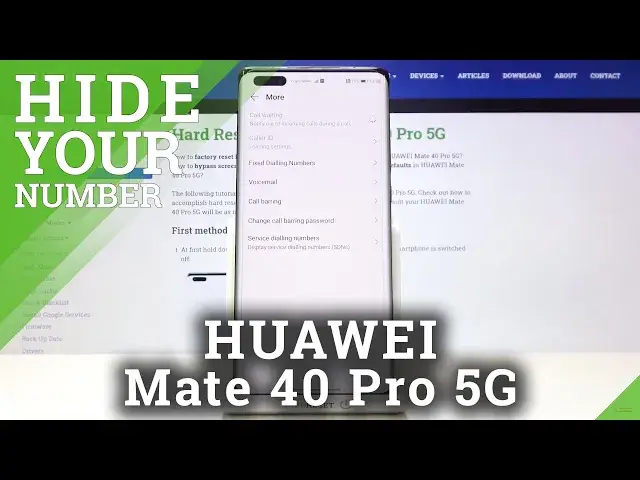

How to Make Phone Number Private on HUAWEI Mate 40 Pro 5G – Hide ID Caller
Jul 16, 2024

Learn more info about HUAWEI Mate 40 Pro 5G:
https://www.hardreset.info/devices/huawei/huawei-mate-40-pro-5g/
Sometimes there are situations where you need to hide your number but at the same time you need to make a call. If you are looking for a method to hide your phone number, stay with us. Open this tutorial and learn how to hide ID Caller on HUAWEI Mate 40 5G. If you set your number as private, remember that even people with whom you are on the list of contacts will not see your number.
How to Hide Caller ID in HUAWEI Mate 40 5G? How to Show Caller ID in HUAWEI Mate 40 5G? How to Enable Caller ID in HUAWEI Mate 40 5G? How to Check Caller ID In HUAWEI Mate 40 5G? How to Open ID Settings in HUAWEI Mate 40 5G? How to Show Phone Number Caller ID in HUAWEI Mate 40 5G? How to Hide Phone Number Caller ID in HUAWEI Mate 40 5G? How to Make Number Private in HUAWEI Mate 40 5G? How to Set Number as Private in HUAWEI Mate 40 5G?
Follow us on Instagram ► https://www.instagram.com/hardreset.info
Like us on Facebook ► https://www.facebook.com/hardresetinfo/
Tweet us on Twitter ► https://twitter.com/HardResetI
Show More Show Less