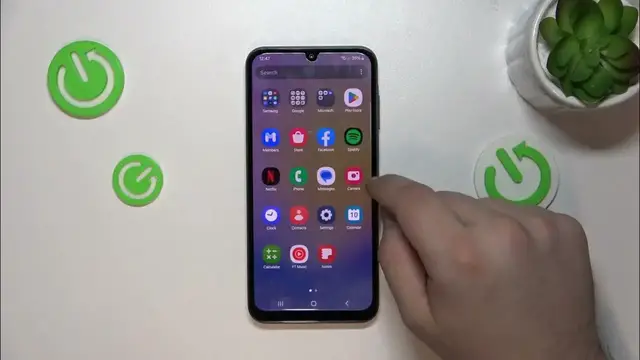

How to Make Chrome Default Browser on Samsung Galaxy A25?
Jan 17, 2024

Find out more: https://www.hardreset.info/
Enhance your browsing experience on the Samsung Galaxy A25 by setting Opera as your default browser with our comprehensive video guide. Perfect for users who prefer Opera’s unique features and user-friendly interface, this tutorial simplifies the process of making it your go-to browser. Discover the step-by-step method to easily change your default browser settings, ensuring that links open in Opera automatically for a seamless and efficient web experience. Whether you're an avid Opera user or just exploring alternative browsers, this guide offers a quick and straightforward way to customize your Galaxy A25 to suit your browsing preferences. Ideal for tech enthusiasts or anyone looking to tailor their smartphone usage, this video is your resource for enhancing your web surfing on the Samsung Galaxy A25.
How to Set Up Chrome as Default Browser on Samsung Galaxy A25?
How to Add Chrome as Default Browser on Samsung Galaxy A25?
How to Make Chrome Default Browser on Samsung Galaxy A25?
#chrome #browser #samsunggalaxya25
Follow us on Instagram ► https://www.instagram.com/hardreset.info
Like us on Facebook ► https://www.facebook.com/hardresetinfo/
Tweet us on Twitter ► https://twitter.com/HardResetI
Support us on TikTok ► https://www.tiktok.com/@hardreset.info
Use Reset Guides for many popular Apps ► https://www.hardreset.info/apps/apps/
Show More Show Less