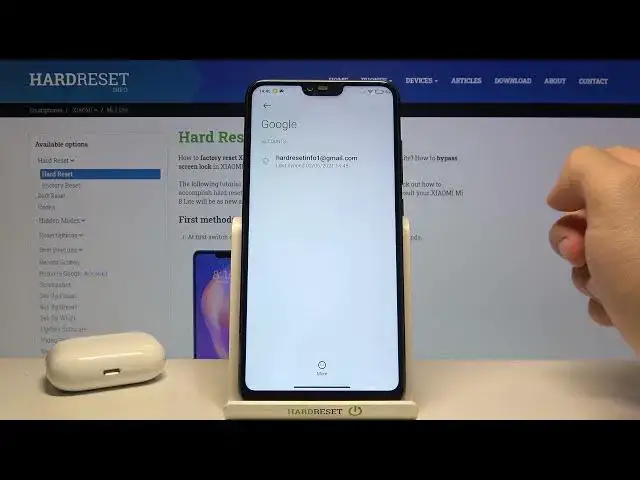

How to Logout from Gmail on XIAOMI 8 Mi Lite – Manage Gmail Account
Apr 20, 2024

Learn more about XIAOMI Mi 8 Lite
https://www.hardreset.info/devices/xiaomi/xiaomi-mi-8-lite/
Do you know how to log out of your Gmail account? Here's what you should know if you're trying to log out of your Gmail account on your XIAOMI 8 Mi Lite smartphone. To open the Gmail app and manage all of your Gmail accounts, follow the instructions outlined above. On your XIAOMI 8 Mi Lite smartphone, you may easily switch between different Gmail users or log out altogether.
How to logout from Gmail on XIAOMI 8 Mi Lite? How to log out from Gmail app on XIAOMI 8 Mi Lite? How to sign out from Gmail on XIAOMI 8 Mi Lite? How to log out from Gmail Account on XIAOMI 8 Mi Lite? How to sign out from Gmail Account on XIAOMI 8 Mi Lite? How to log out of Gmail on XIAOMI 8 Mi Lite? How to log out of Gmail Account on XIAOMI 8 Mi Lite? How to manage accounts on XIAOMI 8 Mi Lite? How to log out of Gmail Android App in XIAOMI 8 Mi Lite?
#GoogleAccounts #GmailAccount #XIAOMIMi8Lite
Follow us on Instagram ► https://www.instagram.com/hardreset.info
Like us on Facebook ► https://www.facebook.com/hardresetinfo/
Tweet us on Twitter ► https://twitter.com/HardResetI
Support us on TikTok ► https://www.tiktok.com/@hardreset.info
Use Reset Guides for many popular Apps ► https://www.hardreset.info/apps/apps/
Show More Show Less