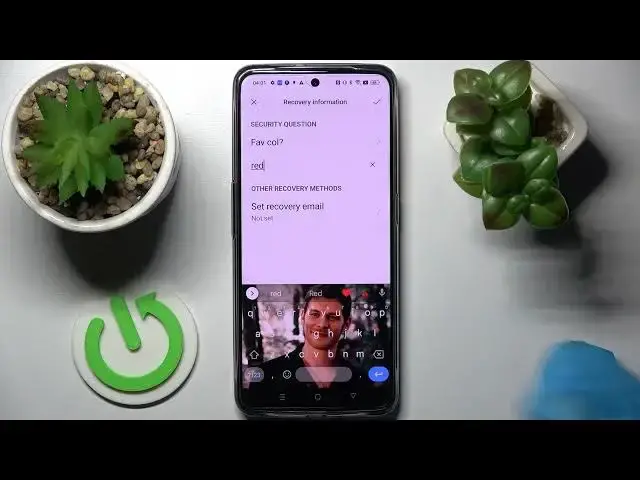

How to Lock Apps With Password in Realme GT Neo 3 - Protect App With Password
Jun 28, 2024

Find out more about REALME GT Neo 3:
https://www.hardreset.info/devices/realme/realme-gt-neo-3/tutorials/
In this short instruction, our specialist will show you step by step how to add the password to a specific application. If you want to protect the application and lock it with a pattern, pin, code or password, then this video should be very helpful for you. Don’t wait and watch more useful guides which will expand the knowledge about this smartphone or other devices. All the videos you can find on our Youtube channel so subscribe to it and make sure that you will be always up to date with the newest content.
How to set up app lock in REALME GT Neo 3? How to lock apps on REALME GT Neo 3? How to add password on REALME GT Neo 3? How to add pattern in REALME GT Neo 3? How to set up app lock on REALME GT Neo 3?
#LockApp #AddPasswordToApp #RealmeGtNeo3
Follow us on Instagram ► https://www.instagram.com/hardreset.info
Like us on Facebook ► https://www.facebook.com/hardresetinfo/
Tweet us on Twitter ► https:g//twitter.com/HardResetI
Support us on TikTok ►https://tiktok.com/@hardreset.info
Use Reset Guides for many popular Apps ► https://www.hardreset.info/apps/apps/
Show More Show Less