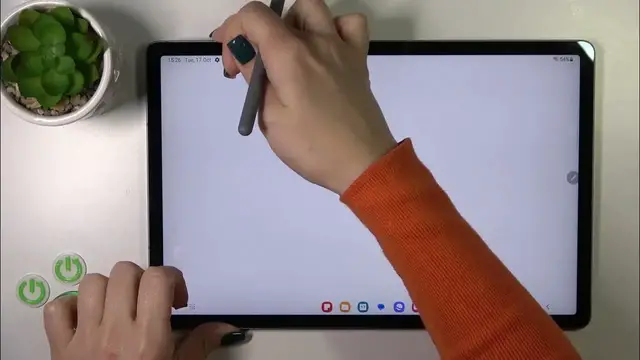

How to Link Bixby to the Power Button on SAMSUNG Galaxy Tab S9 FE+
Jan 19, 2024

Find out more: https://www.hardreset.info/devices/samsung/samsung-galaxy-tab-s9-fe/tutorials/
In this exciting and informative YouTube video, discover how to Link and Unlink Bixby to the Power Button on your SAMSUNG Galaxy Tab S9 FE+! Our channel, HardReset.Info, is your ultimate destination for smartphone and technology tutorials, and in this episode, we're diving deep into the world of Samsung's Bixby integration. You'll learn the ins and outs of customizing your device's functionality, making it work just the way you want it to. We've got all the tips and tricks you need to take control of your Samsung Galaxy Tab S9 FE+ like a pro.
How to customize the power button on my Samsung Galaxy Tab S9 FE+?
What's the advantage of linking Bixby to the power button?
How can I unlink Bixby if I change my mind?
Are there any hidden Bixby features I should know about?
What's the future of Bixby integration in Samsung devices?
#samsungglaxy #samsungglaxytab #samsungtab
Follow us on Instagram ► https://www.instagram.com/hardreset.info
Like us on Facebook ► https://www.facebook.com/hardresetinfo/
Tweet us on Twitter ► https://twitter.com/HardResetI
Support us on TikTok ► https://www.tiktok.com/@hardreset.info
Use Reset Guides for many popular Apps ► https://www.hardreset.info/apps/apps/
Show More Show Less