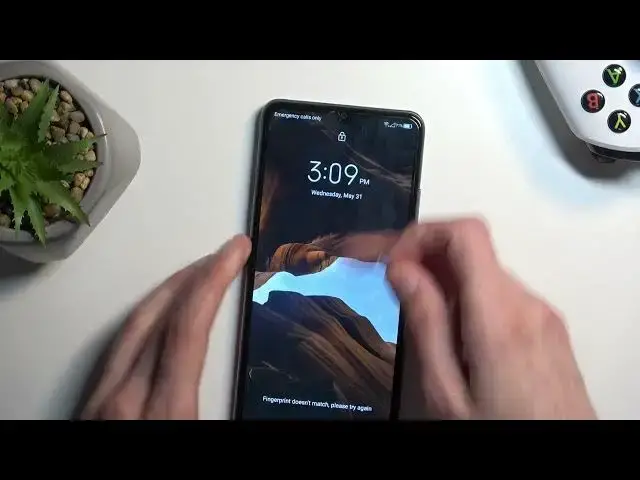

How to Insert SIM & Memory Cards into a ZTE Blade A72S - Pulling the SIM Card Tray Out
Mar 17, 2024

Learn more about the ZTE Blade A72S: https://www.hardreset.info/devices/zte/zte-blade-a72s/tutorials/
Are you unsure about how to insert your SIM and SD cards into your ZTE Blade A72S? Don't worry, we've got you covered! In this video tutorial, we'll guide you through the process of correctly inserting the SIM card and SD card into your device. We'll show you the proper placement and orientation to ensure a secure and hassle-free installation. Whether you're a new user or just upgrading your phone, this step-by-step guide will help you get your SIM and SD cards set up in no time. Stay connected and expand your storage with confidence on your ZTE Blade A72S.
How to install a nano SIM card into a ZTE Blade A72S? How to put an SD card into a ZTE Blade A72S? How to take the SIM card tray out on ZTE Blade A72S?
#ZTEBladeA72S #SIMcard #ZTEStorage
Follow us on Instagram ► https://www.instagram.com/hardreset.info
Like us on Facebook ►
https://www.facebook.com/hardresetinfo/
Tweet us on Twitter ► https://twitter.com/HardResetI
Support us on TikTok ► https://www.tiktok.com/@hardreset.info
Use Reset Guides for many popular Apps ► https://www.hardreset.info/apps/apps/
Show More Show Less