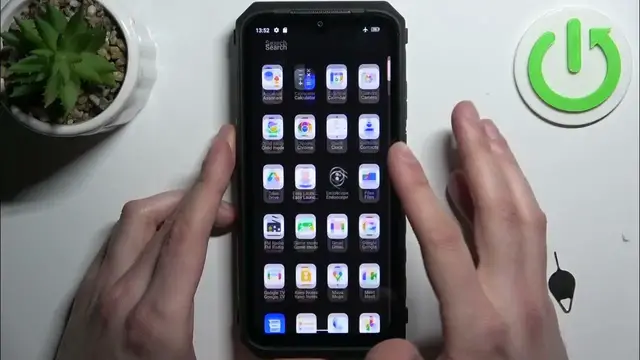

How to Insert SIM and SD Card into ULEFONE Power Armor 18
Jan 13, 2024

Find out more about ULEFONE Power Armor 18:
https://www.hardreset.info/devices/ulefone/ulefone-power-armor-18/tutorials/
Hi! Ensure seamless connectivity and expand your phone's storage capacity by learning how to insert a SIM card and an SD card into your ULEFONE Power Armor 18. This straightforward process allows you to use your smartphone to its full potential, keeping you connected and also get more space for your files, photos, videos and apps.
How to insert SIM card into ULEFONE Power Armor 18? How to insert SD Card into ULEFONE Power Armor 18? How to insert SIM and SD Card into ULEFONE Power Armor 18?
#SIMCard #SDCard #ULEFONEPowerArmor18
Follow us on Instagram ► https://www.instagram.com/hardreset.info
Like us on Facebook ► https://www.facebook.com/hardresetinfo/
Tweet us on Twitter ► https://twitter.com/HardResetI
Support us on TikTok ► https://www.tiktok.com/@hardreset.info
Use Reset Guides for many popular Apps ► https://www.hardreset.info/apps/apps/
Show More Show Less