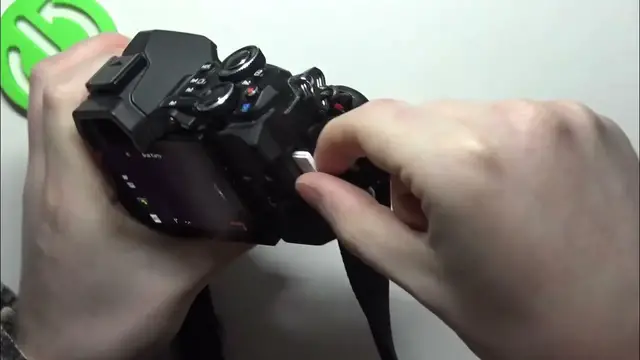

How To Insert & Remove Sd Card On Olympus E M5 MARK II
Jan 13, 2024

Find out more : https://www.hardreset.info/
Effortlessly manage your storage on the Olympus E-M5 Mark II by learning how to insert and remove an SD card. This tutorial provides a straightforward step-by-step guide, ensuring you can handle your SD card with ease for uninterrupted photography. Whether you're a beginner or a seasoned photographer, this video is your key to mastering SD card handling on the Olympus E-M5 Mark II.
How can users easily insert and remove an SD card on their Olympus E-M5 Mark II for seamless storage management during photography sessions?
Are there specific locations or slots on the Olympus E-M5 Mark II where users should insert or remove the SD card?
Can users identify the correct orientation for inserting the SD card into the camera?
What indicators or signals confirm that the SD card has been successfully inserted or removed from the Olympus E-M5 Mark II?
#Olympus #Camera #camerasettings
Follow us on Instagram ► https://www.instagram.com/hardreset.info
Like us on Facebook ► https://www.facebook.com/hardresetinfo/
Tweet us on Twitter ► https://twitter.com/HardResetI
Support us on TikTok ► https://www.tiktok.com/@hardreset.info
Use Reset Guides for many popular Apps ► https://www.hardreset.info/apps/apps/
Show More Show Less