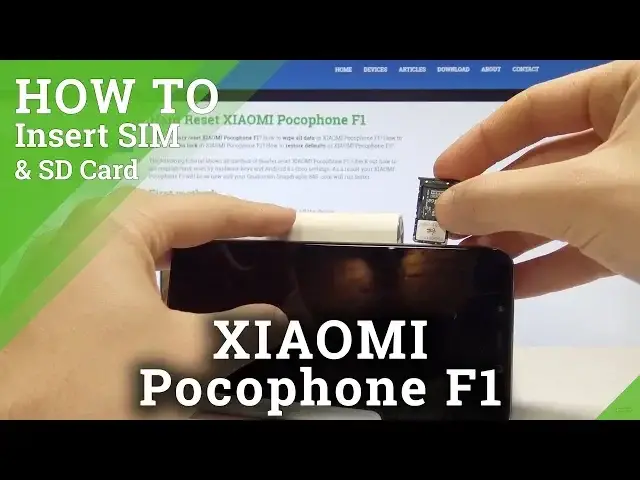

How to Insert Nano SIM on XIAOMI Pocophone F1 - Set Up Micro SD Card
May 24, 2024

In this video you can check out how to easily set up SIM and SD Card in XIAOMI Pocophone F1. Let's find the slot for Nano SIM and Micro SD card. Then remove the tray from the phone and install hete both cards. In order to check out if the cards works you should turn on the device and make sure that you have the mobile network connection and external storage access.
How to insert Nano SIM on XIAOMI Pocophone F1? How to insert Micro SD on XIAOMI Pocophone F1? How to install SIM Card in XIAOMI Pocophone F1? How to install SD Card on XIAOMI Pocophone F1? How to set up SIM Card in XIAOMI Pocophone F1? How to set up Micro SD Card in XIAOMI Pocophone F1?
More Info:
https://www.hardreset.info/devices/xiaomi/xiaomi-pocophone-f1/hardreset/first-method/
Show More Show Less #Computer Hardware
#Consumer Electronics