0:00
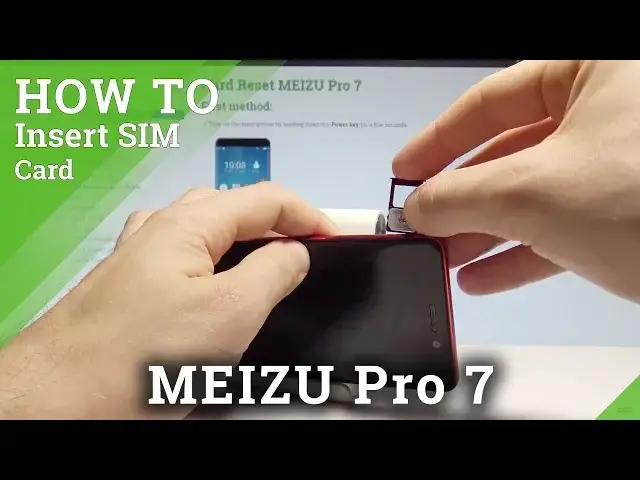
Here I have madesure pro 7 and let me show you how to insert here the nano sim card
0:10
So at the very beginning let's start by pressing the power key, choose power off and wait until
0:16
your phone will be completely switched off. Afterwards you need to find the slot
0:20
The slot is located right here at the left edge of the device
0:24
So let's just simply use some thumber tag or special eject tool to open this slot
0:29
Let's just press it, so let me show you. Let me press it right here
0:36
Alright, now you can remove the whole tray and here you can insert two sim cards
0:43
So let's insert only the one nano sim card, here I have such a card with the characteristic
0:49
edge right here. So you need to place this card in that position
1:00
Alright let me show you again. The characteristic edge right here, you have to put it right here
1:08
Alright now let me put the whole thing in that position to the device
1:16
Let me leave one slot empty, let me just use one sim card
1:24
Sorry I'm doing this the wrong way, I need to do it that way
1:29
So let me put the whole thing right here. Alright and let's press it to the end
1:36
Now let's press the power key and wait until the smartphone will be ready to use
1:59
Excellent now you can unlock the device. You can wait until the device will find the mobile network connection and that's it
2:08
So everything went well, thank you for watching, please subscribe our channel, leave thumbs