0:00
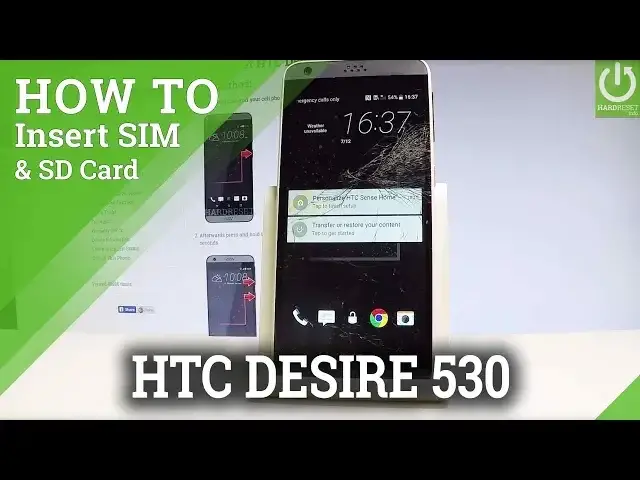
Here I have HTC Desire 5030 and let me show you how to insert here nano SIM and micro
0:10
SD card. So at the very beginning let's start by pressing a power key just to switch off the device
0:19
Let's choose power off and wait until your phone will be completely switched off
0:23
Afterwards you have to find the slots to discard so the slot is located at the left edge of
0:28
the device right here. Let's open the protection by using your nail finger and here you can insert two cards
0:35
the nano SIM and micro SD. So let's start by inserting nano SIM
0:40
Let's open and remove the tray for the nano SIM card. This is the appropriate tray
0:48
Here you have to input the nano SIM card. Here I have such a card
0:53
Let me input this card as simple as that and let's push this card in that position
1:03
So let me press it right here and let's press it to the end
1:10
Now let's insert the micro SD. This is the micro SD with the characteristic gate right here and let's insert this card
1:18
into the last slot right here. Let's press it to the end
1:23
You should hear the characteristic click and now let me switch on the device to check if
1:28
both cards are working properly. So let's press power key, keep holding power button and wait until your phone will be turned on
1:40
Excellent. Let's unlock the screen. If you have a pin to your SIM card you have to input your pin
1:53
So let me just input my pin and it means that my SIM card is working properly
2:02
The device is connected to one of the mobile network and let me also check my SD card
2:08
So let's find and select settings, scroll down and here you have to find and select
2:14
the storage. Sorry, the storage is located under phone tab. Let's tap storage and as you can see the device is reading our SD card
2:24
So everything went well. Both cards are working properly. Now you can use both cards
2:30
Thank you for watching. Please subscribe our channel and leave thumbs up under the video